Google Review Cards for Dentists & Physios 2026
How dental practices and physiotherapy clinics can use NFC review cards at reception: voluntarily, with GDPR awareness and without prohibited incentives.
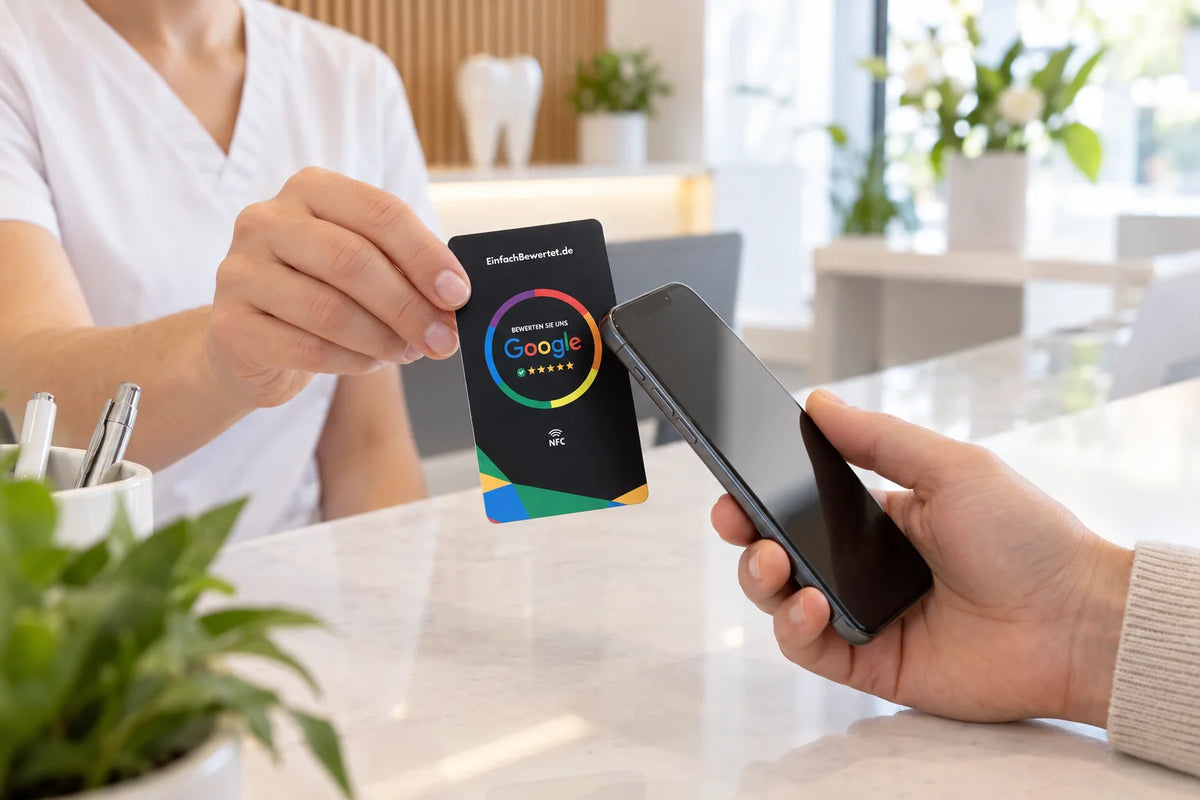
Short answer: Google review cards with NFC are suitable for dental practices and physiotherapy clinics when they are used visibly, neutrally and without pressure at reception. Patients tap their smartphone on the card or scan the QR code and are taken directly to the Google review form. Three limits are important: no rewards, no review gating and no request to leave the review on site while being watched.
- Google allows businesses to create and share a review link or QR code; the official QR code is currently available only in a desktop browser.
- Google prohibits incentives such as discounts, payments or free services, as well as selectively asking only for positive reviews.
- Reviews can support local visibility: Google names the number of reviews and positive ratings as part of the “prominence” factor, but a better ranking cannot be demanded or guaranteed.
- For practices, NFC is data-minimising because no patient address is processed at the display; for review requests by email or SMS, you should have the legal basis and consent carefully checked.
- Google Local Guides receive 10 points for a review and 1 point for a rating only, but businesses must not offer money, discounts or anything in return.
Last updated: November 2026. Applies to dental practices, physiotherapy clinics and other healthcare professions in Germany; individual legal cases should be checked by data protection or legal advisers.
What are Google review cards with NFC for dental practices and physiotherapy clinics?
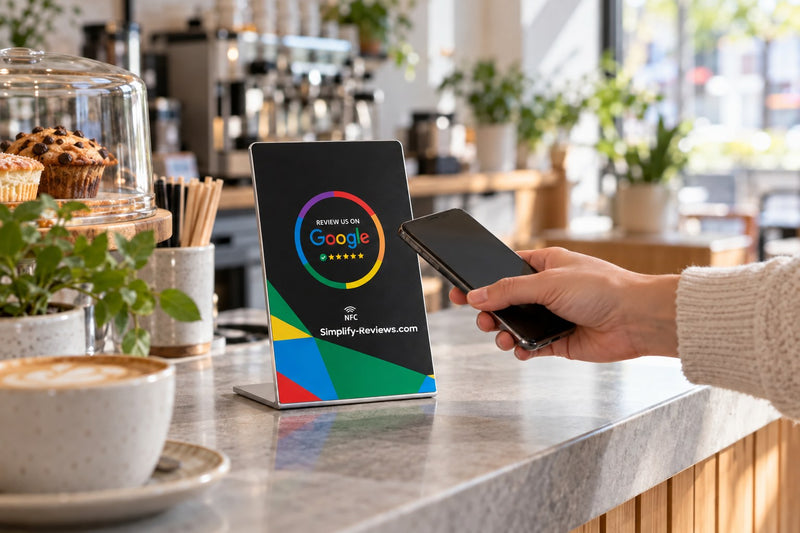
Google review cards with NFC are small cards or counter displays that take patients straight to the review form for your Google Business Profile with a tap. NFC stands for “Near Field Communication”: the smartphone reads a contactless chip in the card or display. On current iPhones and Android devices this usually works without downloading an app; the QR code remains the fallback for older devices or disabled NFC.
Important: the card does not write a review itself. It only opens the right link. The patient decides voluntarily whether to leave a star rating, a written review or no review at all.
There are three typical formats for practices:
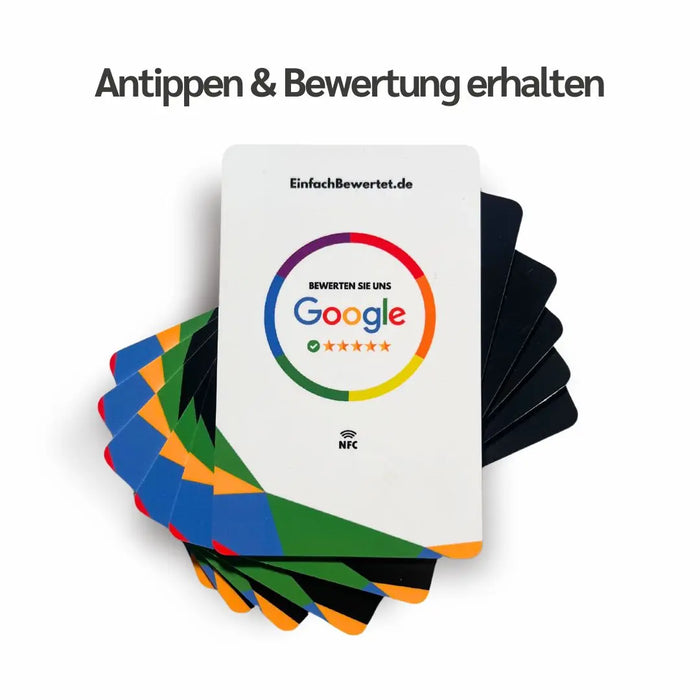
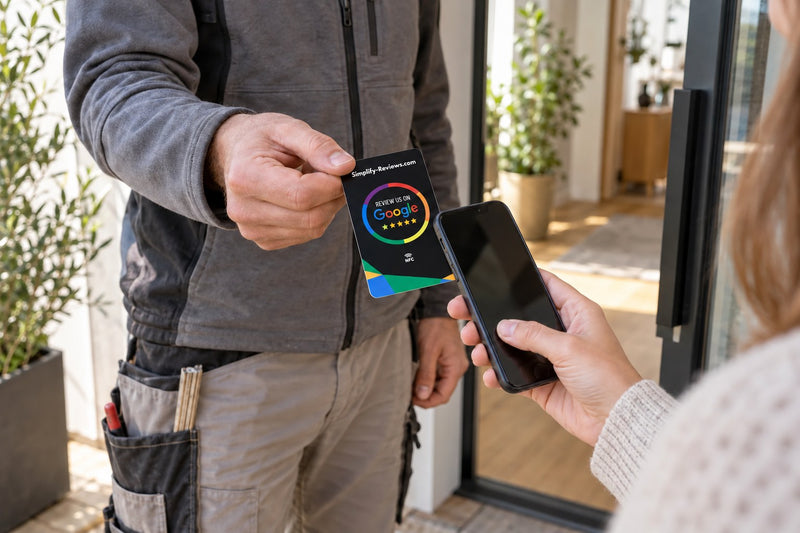
- NFC review card: small, mobile, well suited for handing out after a completed appointment or treatment block.
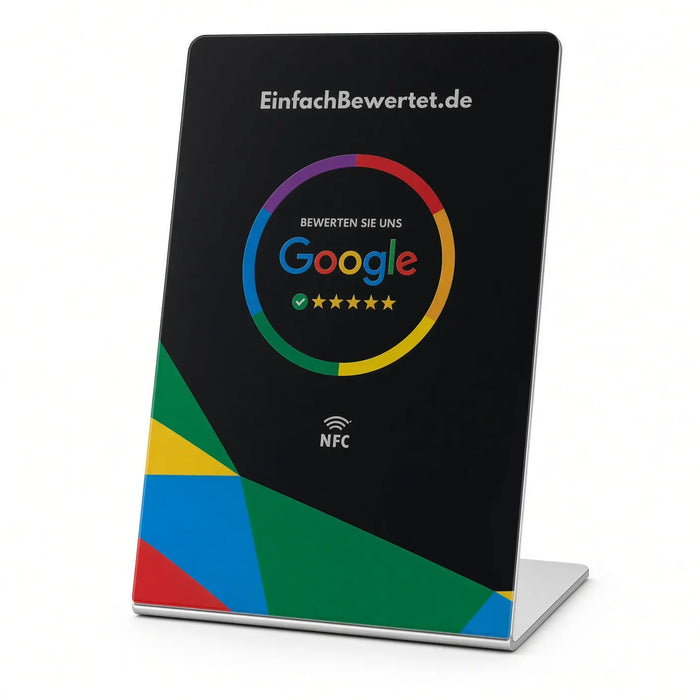
- NFC counter display: fixed at reception, check-in or the checkout area; especially visible along patient routes.
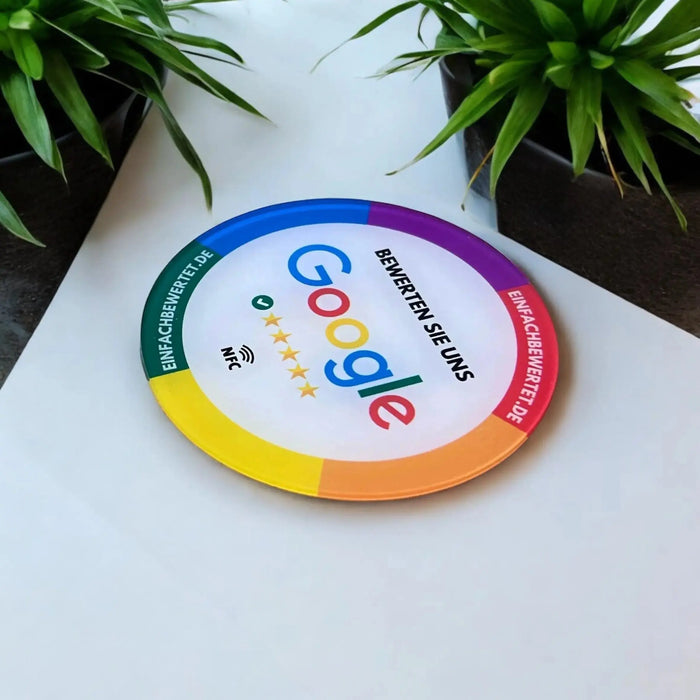
- Self-adhesive NFC tag or plate: on a counter, tablet stand, reception desk or information folder.
In dental practices, the card is particularly suitable after check-ups, prophylaxis appointments, completed treatment or when patients leave the practice. In physiotherapy, the best time is often at the end of a prescription or after a completed therapy phase, not in the middle of a treatment situation.
May a dental practice or physiotherapy clinic ask patients for a Google review?
Yes, in principle you may ask patients for an honest review, but only voluntarily, without incentives and without influencing the content or star rating. Google allows you to share a review link or QR code, but prohibits fake, influenced or benefit-motivated reviews.
For dental practices, professional rules also apply: dentists may provide factual and appropriate information, while unprofessional advertising, especially promotional, misleading, disparaging or comparative advertising, is prohibited. The German Dental Association also emphasises that unprofessional advertising by third parties must not be initiated or tolerated.
For medical practices, the principle is similar: the German Medical Association describes the limits of advertising as including exaggerations, intrusive or annoying forms, and promotional, misleading or comparative advertising. Even though physiotherapy practices are not subject to the exact same professional rules as doctors, they also operate in a sensitive advertising environment within healthcare.
In practice, this means: a neutral request such as “If you would like to, we would be happy to receive your honest Google review” is much safer than “Please give us 5 stars” or “Review us now at reception”.
How can you use NFC at reception without creating pressure?
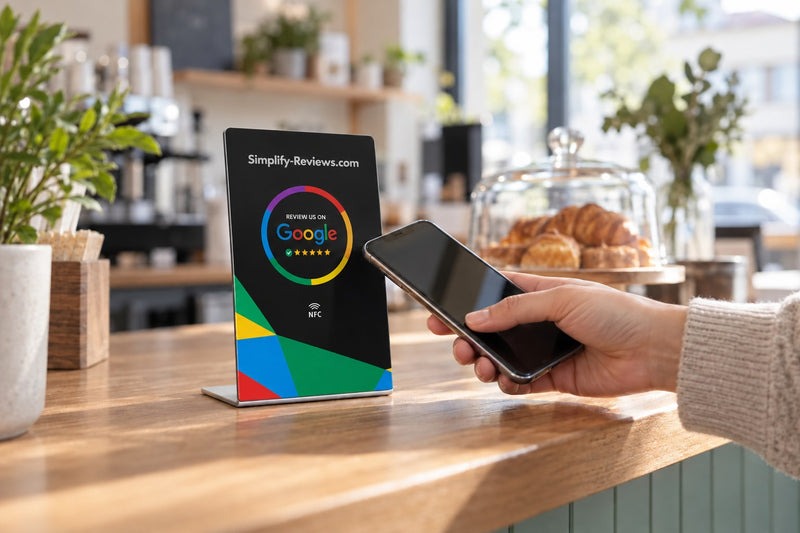
The safest way to use NFC at reception is as a voluntary, passive review option: place it visibly, explain it briefly, then give people space. The key point is that nobody watches the patient, reminds them, pushes them or asks about the star rating.

Illustrative image (AI-generated)
A good process looks like this:
- Place the display visibly: at reception, but not where patients are blocked while paying or signing.
- Neutral note: “If you would like to share your experience, you can leave a Google review here voluntarily.”
- No pressure on site: Give people time. Many prefer to write later at home.
- No selection by mood: Do not ask only patients who currently seem particularly satisfied.
- No monitoring: Staff do not look at the screen and do not ask: “Have you already reviewed us?”
- Do not use internal criticism as a filter: You may of course offer a contact option for complaints, but you must not steer dissatisfied people away from Google and send only satisfied people to leave a review.
In healthcare in particular, patients may feel more dependent than in a café or car dealership. A patient can quickly feel obliged if the request is made directly at the desk. That is why the wording matters so much: voluntary, honest, possible later.
Which is better: NFC card, QR code or review display?
For reception, an NFC counter display is usually the most visible; an NFC card is more flexible if you want to hand it out after completed treatments. QR code and NFC technically lead to the same destination, but differ in how they are used.
| Solution | Best suited for | Benefit | What to watch out for |
|---|---|---|---|
| NFC review card | Handing out after an appointment, therapy series or prophylaxis | fits in a wallet or appointment-note folder | do not hand it out only to satisfied patients |
| NFC counter display | Reception, check-in, checkout | permanently visible, no handover needed | use neutral wording, do not create pressure to act immediately |
| QR code without NFC | Older devices, printed notices | works very broadly as a fallback | print the QR code large enough and with strong contrast |
| Review link in email signature | Normal practice communication | unobtrusive in existing emails | no purely promotional emails without a suitable legal basis |
If you want to start small, one display at reception and one card for the team to explain it is enough. For several treatment rooms or larger physiotherapy clinics, a second display at check-in can also make sense. You can find more technical basics under How our NFC products work.
How do you create the right Google review link and QR code?
You can find the official review link in your Google Business Profile under “Read reviews” and “Get more reviews”; there you can copy the link or download the QR code. Google notes that the QR code is currently generated in a desktop browser, not on mobile devices.
Here is how to do it:
- Sign in with the account that manages your Google Business Profile.
- Open the profile for the specific practice or branch.
- Click Read reviews.
- Select Get more reviews.
- Copy the review link.
- Download the QR code or pass on the link for NFC products.
For multiple locations, correct assignment is crucial. A dental group with three practices needs three different review links, otherwise reviews will end up on the wrong location. If you want to check the link via the Place ID, our guide Find your Google Place ID can help. For the full process, see also the article Create a Google review link.
Important: according to Google, customers must be signed in to a Google Account to write a review; however, it does not have to be a Gmail address.
What wording can be used on Google review cards for practices?
The wording should be neutral, voluntary and open-ended. Avoid any phrasing that expects a positive review, a specific star rating or an immediate review at reception.
Good wording includes, for example:
- “How was your visit? We would be happy to receive your honest Google review.”
- “If you would like to, share your experience voluntarily on Google.”
- “Your feedback helps other patients find their way.”
- “One tap or scan takes you directly to the review page.”
Risky or unsuitable wording includes:
- “Please give us 5 stars.”
- “Only satisfied patients please leave a review.”
- “Show your review and receive a gift.”
- “Please write that Ms Müller was especially friendly.”
- “Review us now at reception.”
Google prohibits, among other things, incentives, selectively asking for positive reviews, preventing negative reviews and specifying particular content. Internal targets such as “every employee must collect five reviews per week” are also problematic, because Google expressly mentions demanding certain volumes of reviews through employees.
What do practices need to consider regarding data protection and confidentiality?
A passive NFC display is data-minimising because the practice does not need to collect an email address, phone number or patient data. As soon as you actively send review requests by email, SMS or messenger, you process personal data for an additional purpose and should check the legal basis, consent and documentation.
For medical practices, the National Association of Statutory Health Insurance Physicians (KBV) points out that explicit consent may be required for certain forms of communication such as SMS or email reminders. In addition, health data is subject to heightened requirements for confidentiality and purpose limitation.
For review management in dental practices and physiotherapy clinics, three practical rules apply:
- No treatment details in replies: Even if a patient publicly writes about a diagnosis, pain or therapy, the practice does not reply with medical details.
- Do not collect patient data in the review process: NFC and QR codes should lead directly to the review form, not to an upstream form asking for name, phone number or complaint filtering.
- No reviews under social pressure: Patients in ongoing treatment in particular should not get the impression that a review could influence their treatment.
A safe reply to a public review would be more like: “Thank you for your feedback. If you have any questions, please feel free to contact our practice team directly.” Not: “After your root canal treatment on Tuesday, we did …”
Which mistakes risk policy violations or poor reviews?
The most common mistakes do not come from NFC itself, but from incorrect team processes. The card is neutral; what matters is how it is used.
Avoid the following:
- Rewards: no discounts, no free services, no prize draws, no small gifts in exchange for a review.
- Review gating: do not first ask internally “Were you satisfied?” and send only positive responses to Google.
- Pressure at reception: do not stand next to the patient, do not check, do not ask for an immediate review.
- Content requirements: no requests for specific words, staff names or star ratings.
- Staff or self-reviews: practice teams, relatives or service providers should not manipulate the practice’s own profile with reviews.
- Wrong location link: for multiple practices, use a separate card or display for each location.
- Overly promotional language: no superlatives such as “best practice in town” on review displays.
- Forgetting data protection in replies: never publicly confirm diagnoses, appointments, invoices or treatment histories.
If a negative review appears, deleting it is not the first step. Reply factually, briefly and without patient data. Only if the review violates policies can you report it; according to Google’s own help, not every unwelcome but factually correct review is removed.
How do you measure whether NFC review cards work in your practice?
Measure the effect over 4 to 8 weeks without tracking individual patients afterwards. Simple metrics make sense: new Google reviews per week, average star rating, share of reviews with text and the practice’s response time.

Illustrative image (AI-generated)
A lean test plan:
- Note your starting point: number of reviews, average stars, new reviews in the last 90 days.
- Test one product: for example, one display at reception.
- Define a team sentence: one neutral sentence that all staff use consistently.
- Check weekly: How many new reviews were added?
- Introduce a response process: answer every review briefly, kindly and in a data-protection-safe way.
- Decide after 8 weeks: adjust the position, wording or product format.
In physiotherapy, the end of a prescription is a good measuring point. In dental practices, prophylaxis appointments, check-ups and completed treatment phases often work better than acute pain appointments. Even so, the rule remains: do not ask only the people from whom you expect a positive reaction.
Our view
We see the same pattern again and again in practices: the technology is rarely the problem. What matters is whether the team has a calm, legally sound process. An NFC display at reception can work very well if it is understood as a voluntary option and not as a sales tool. Especially in dental practices and physiotherapy clinics, trust matters more than any short-term review number.
That is why we would not work with aggressive calls to action. A clear, neutral note at a suitable point in the process is better: the appointment is complete, open questions have been clarified, the patient is leaving the practice. Then one sentence is often enough: “If you would like to share your experience, you can find our review link here.” After that, the team should let go.
The internal mindset is also important: negative feedback is not automatically harmful. It shows where waiting times, communication or organisation can be improved. Anyone who optimises only for 5 stars quickly moves towards review gating. Those who make honest feedback easier, on the other hand, build a more credible profile in the long term.
— Simplify Reviews Team
How we can help
Simplify Reviews creates NFC review solutions that lead directly to your practice’s Google review form: with your own logo, QR code as a fallback and the right link for each location. For reception, the Google review display with NFC is particularly suitable; for handing out after appointments, the Google review card with NFC is a good fit. If you also use digital communication, a review link for your email signature can be useful. For multiple locations or if you are unsure about your review process, we can support you through our free consultation.
Frequently asked questions
How can I leave a Google review with a QR code?
You scan the QR code with your smartphone camera, open the link and sign in to your Google Account if required. Then you select stars, optionally write a text and publish the review. A Gmail account is not strictly necessary, but a Google Account is.
Where can I find the QR code for Google reviews?
You can find the QR code in your Google Business Profile on a computer under “Read reviews” and “Get more reviews”. There you can copy the review link or download the QR code. For multiple practice locations, you should create each QR code separately.
What can I do with points on Google?
Google Local Guides collect points for contributions on Google Maps: a review earns 10 points, a rating only earns 1 point and a review with more than 200 characters earns an additional 10 bonus points. The points lead to levels, badges and occasional benefits such as early feature tests or invitations, but they do not have a reliable cash value.
Can you earn money with Google reviews?
As a patient or customer, you should not expect money for Google reviews. Businesses must not offer payments, discounts, free services or other incentives for reviews. Such reviews may violate Google policies and be removed.
May my practice ask patients directly at reception for a review?
A neutral note about a voluntary review option is possible, but the practice should not create pressure or expect an immediate review while being watched. Safer is: place the display visibly, explain it briefly, and let the patient decide. Especially in healthcare, the request should never feel as if treatment or the personal relationship depends on it.
What should I do about a negative Google review?
Reply briefly, kindly and without patient data. If the review violates Google policies, you can report it in the Business Profile; factually correct negative reviews are not removed simply because they are unpleasant. For the review process, our PDF guide to deleting unjustified Google reviews can help.
Sources
- Google Business Profile Help: Create a link or QR code to request reviews
- Google Business Profile Help: Prohibited and restricted content
- Google Business Profile Help: Tips to get more reviews
- Google Business Profile Help: Improve your ranking in local search results
- Google Maps Help: Local Guides points, levels and badges
- Google Business Profile Help: Report inappropriate reviews
- German Dental Association: Professional communication
- German Medical Association: Doctors – advertising – the public
- KBV: Notes on medical confidentiality, data protection and data processing
- Gesetze im Internet: German Unfair Competition Act (UWG)
Read more
- More Google reviews for medical practices – what is allowed
- Asking for a review after an appointment: strategies for practices
- GDPR and customer reviews: how to stay legally compliant
- Google reviews via NFC: more reviews for your business
Title image: illustrative image (AI-generated)