Google Reviews via NFC: More Reviews for Your Business
Increase your Google reviews easily with NFC. Customers tap and review instantly – more reviews for your business, guaranteed!
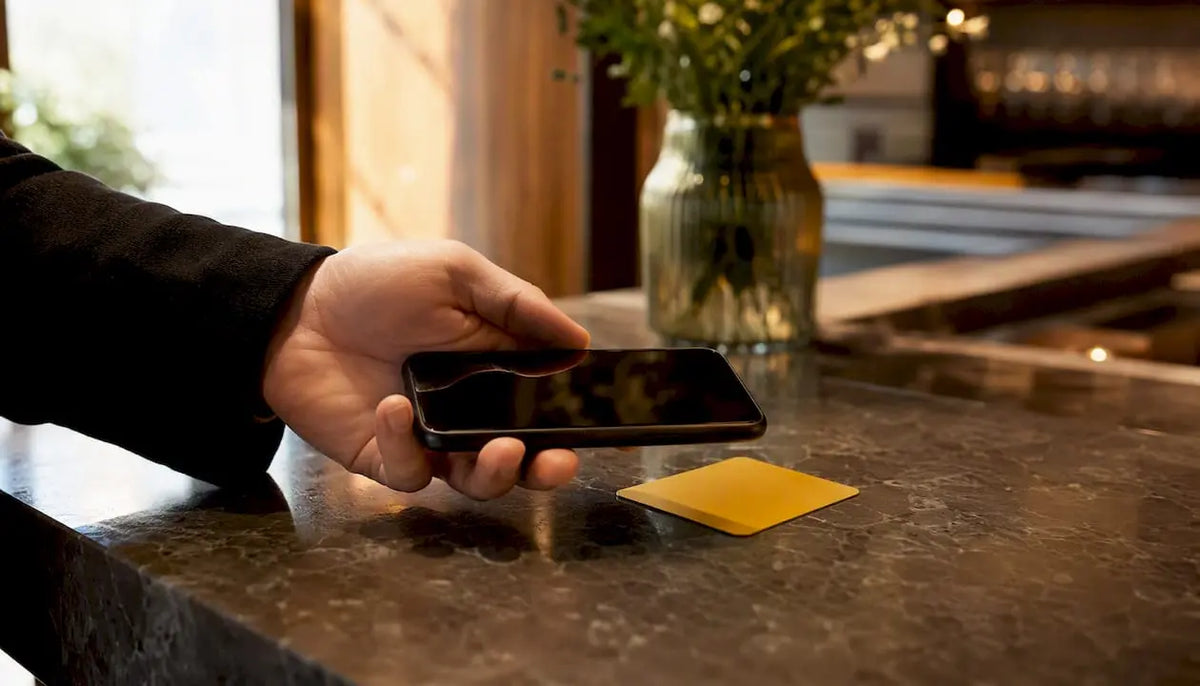
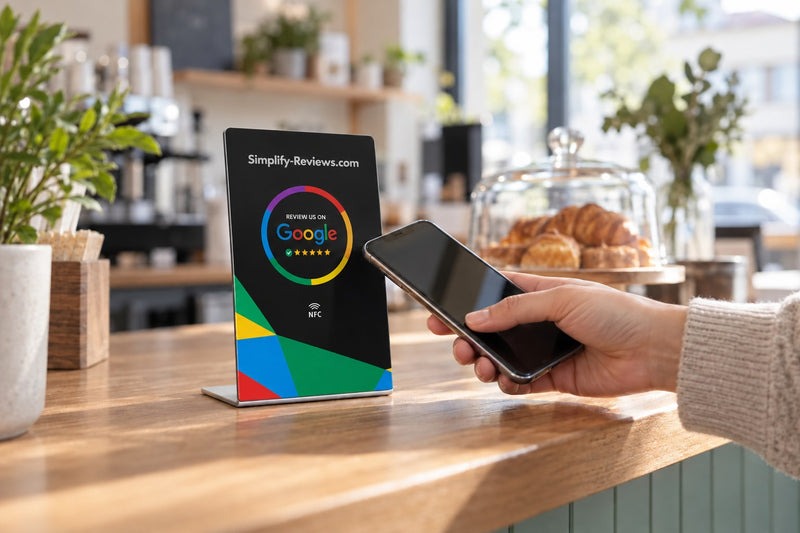
Yes, it works instantly. A customer taps their smartphone on an NFC card or display stand, and the review form opens right away. No searching, no typing in a URL. If you use pre-programmed products from Simplify Reviews, the setup is done in just a few minutes because the redirect to your own Google review link is already configured.
- Order pre-programmed NFC cards or display stands
- Place the product at the checkout or on the table
- Let customers tap, and you’re done
Pro tip: Order pre-programmed products directly instead of programming them yourself. You save time and avoid errors in the URL format. You’ll find the direct order link at the end of the article.
Key takeaways
Pre-programmed NFC products are the fastest and most reliable way to collect Google reviews in a physical business, because they reduce the path to leaving a review to a single tap.
| Topic | Details |
|---|---|
| NFC redirect | One tap opens the Google review form directly, with no search or app download. |
| Product choice | Display stands for fixed locations, cards for staff and takeaways, phone stickers for field service. |
| Legal matters | NFC tags do not collect data; incentives for positive reviews violate Google guidelines. |
| Placement and timing | Checkout and exit areas are the most effective places; ask directly after a positive interaction. |
| Simplify Reviews | Pre-programmed NFC cards, display stands and cup lids with custom branding, money-back guarantee and free shipping. |
Table of contents
- What NFC products are available, and which one fits your business?
- How do you set up the Google review link for NFC?
- What should you do if the NFC tag doesn’t work?
- What legal points should you consider: GDPR and Google guidelines
- Where and when should you place NFC tags so customers actually tap?
- What do NFC review products cost, and how do you order from Simplify Reviews?
- Why NFC really works in practice
- Order pre-programmed NFC products from Simplify Reviews now
- Important sources and tools for setup, testing and legal questions
- FAQ
What NFC products are available, and which one fits your business?
NFC review products come in five common formats, and the right choice depends less on budget than on where you want to use them.
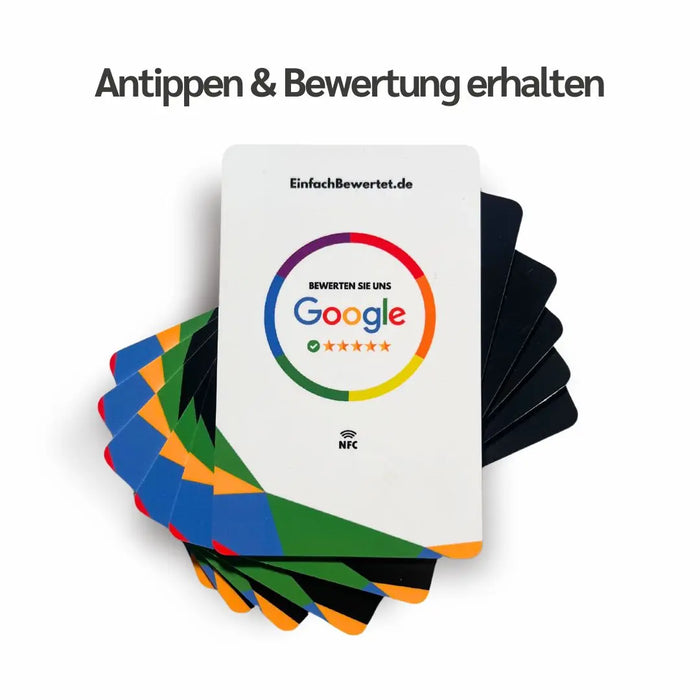
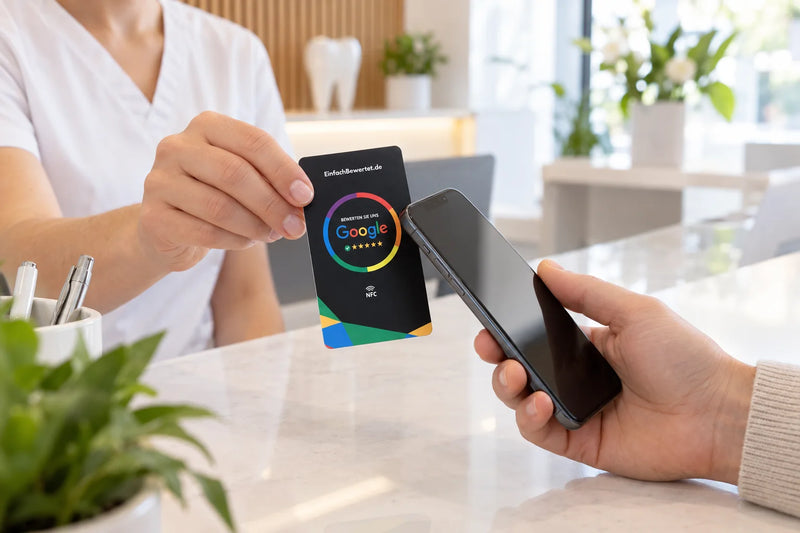
NFC cards in business-card format are the most flexible option. Staff can hand them over when saying goodbye, guests can take them with them, and the card ends up in a wallet rather than in the bin. For restaurants, hair salons and trade businesses, this is often the best place to start.
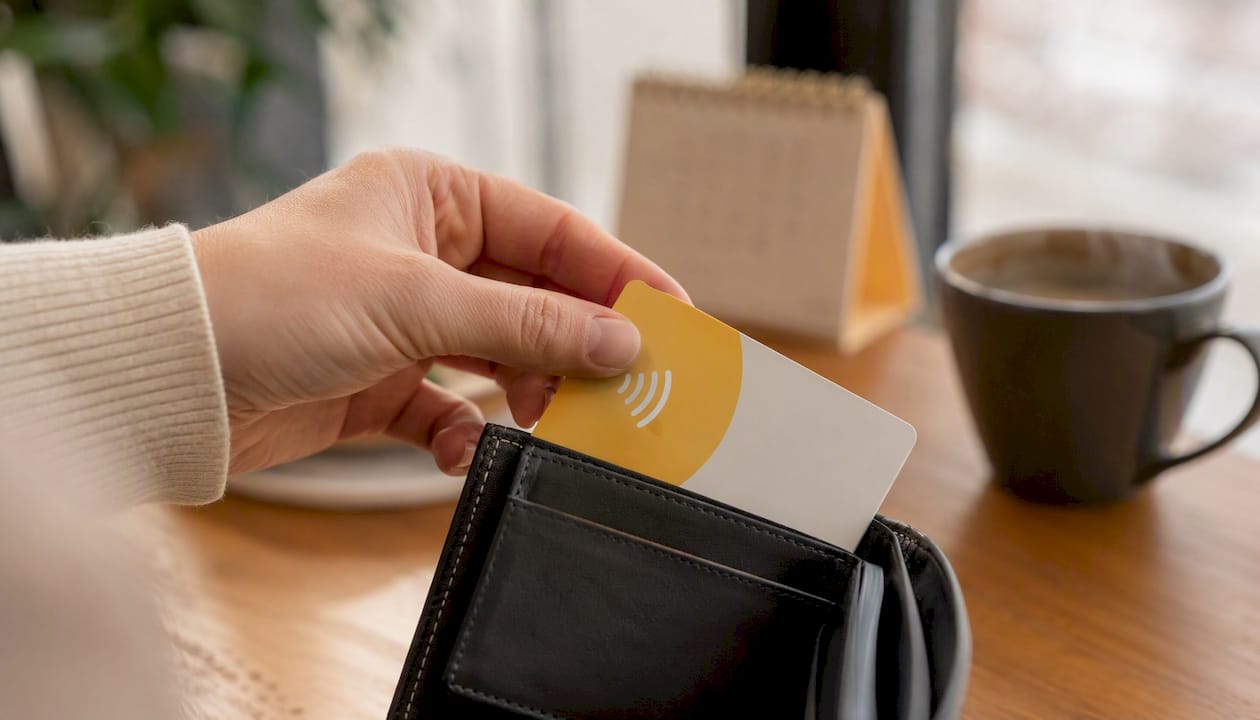
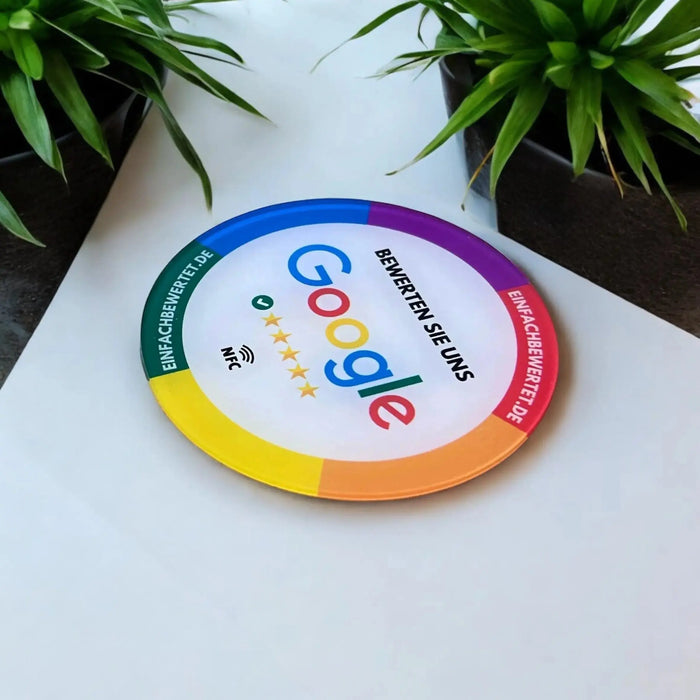
Labels and stickers stick to counters, doors or checkout areas. They are inexpensive to buy, but less noticeable than a display stand. For metal surfaces, you need special on-metal tags, because standard NFC chips do not read reliably on metal.
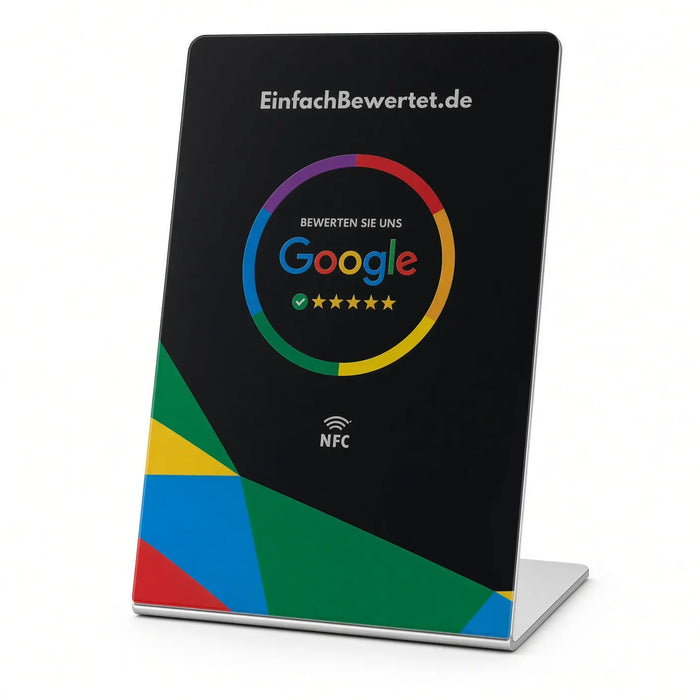
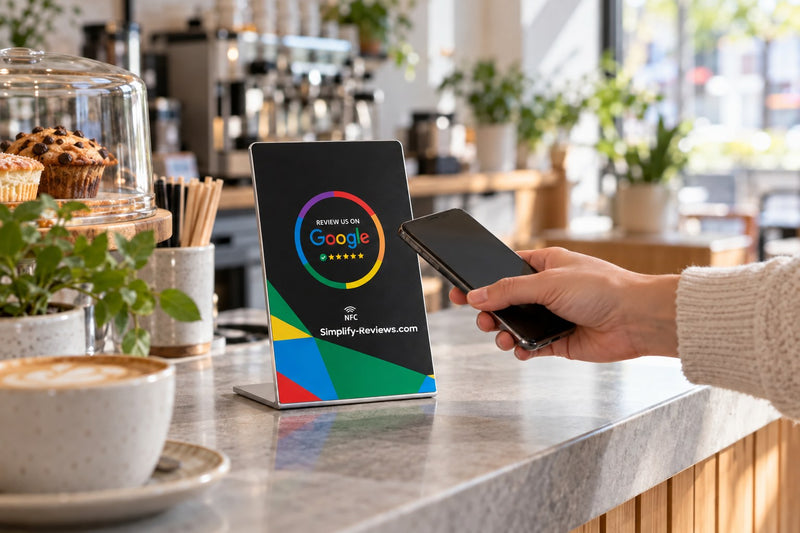
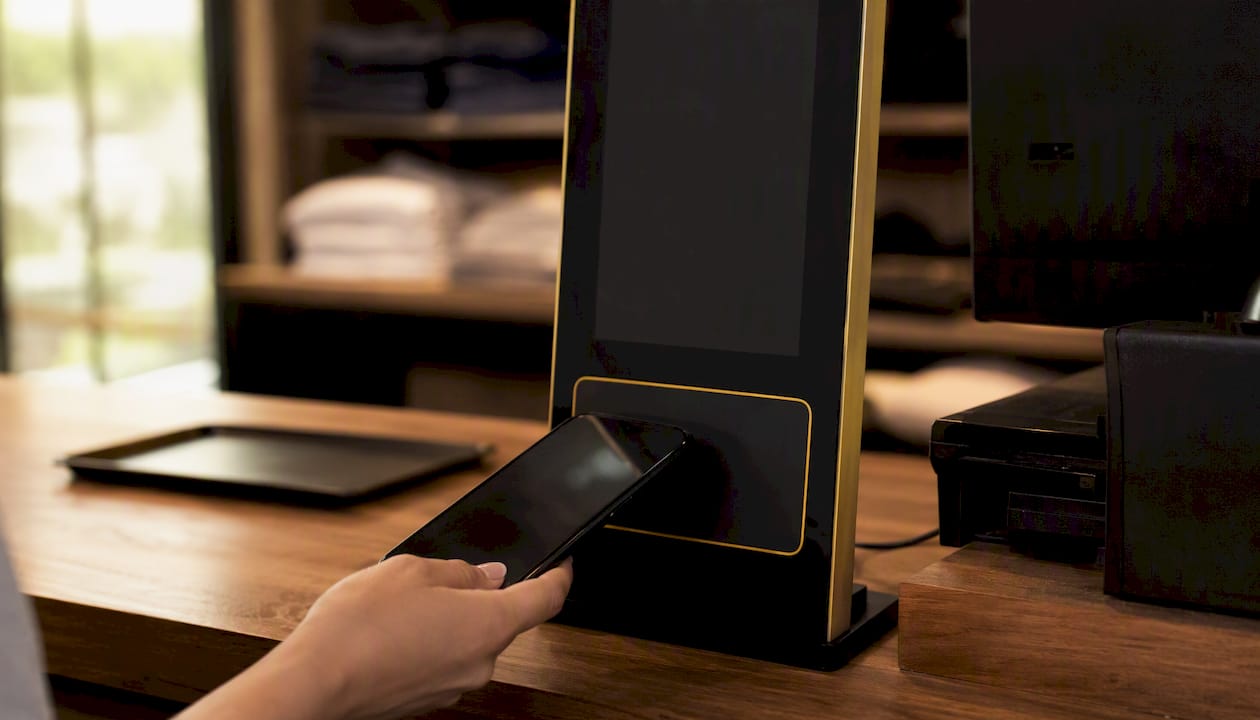
Counter display stands stand upright at the point of sale and are visible from several metres away. Combined NFC+QR solutions also cover customers whose smartphones do not read NFC, which noticeably increases reach.
Review lids from Simplify Reviews fit on coffee cups and drink containers. Every cup becomes a review prompt, without staff having to actively ask.
Phone stickers stick to the back of an employee’s smartphone. Ideal for field sales, delivery drivers or technicians serving customers directly on site.
| Product | Best use case | Visibility | Mobility | Note |
|---|---|---|---|---|
| NFC card | Hand-off, takeaway | Medium | High | Branding possible on both sides |
| Label/sticker | Counter, door, checkout | Low | Low | On-metal version for metal surfaces |
| Counter display stand | Checkout, reception, table | High | Low | NFC+QR combination recommended |
| Review lid | Coffee cups, drinks | Medium | Medium | Hospitality, cafés |
| Phone sticker | Employee smartphone | Medium | Very high | Field service, delivery |
Pro tip: A display stand beats a sticker whenever customers have to wait briefly, such as at the checkout or in a waiting room. Someone who is sitting or standing has time to tap. Someone on the move needs a card.
How do you set up the Google review link for NFC?
The goal is a direct review link that opens the Google form without an extra step. This link is based on your Place ID, a unique identifier for your business in Google Maps.
-
Check your Google Business Profile. Sign in at Business. Your name, address and category must be correct, otherwise the customer may land on the wrong profile.
-
Generate the review link. Open your Business Profile and click “Get more reviews”. Google will show you a direct link that looks something like this:
https://g.page/r/[YourPlaceID]/review. Copy the full link. -
Write to the NFC tag. On Android devices, apps such as NFC Tools or NFC TagWriter by NXP work well. Select “Write URL/URI”, paste in the copied link and write it to the tag. On iPhones from iOS 13 onwards, devices read NFC tags passively, but writing requires a compatible app such as NFC for iPhone.
-
Test it. Tap the tag with at least two different smartphones. The review form should open directly, not just the Google homepage.
If you want to skip this process, order a pre-programmed NFC review card from Simplify Reviews, enter your company name and address during purchase, and receive the finished product by post.
- No need to understand smartphone apps yourself
- No risk of incorrect URL formats
- Support included if something isn’t quite right
What should you do if the NFC tag doesn’t work?
The most common issue is not a faulty tag, but an incorrect URL or NFC being disabled on the test device. If you work through it systematically, you can solve most cases in under five minutes.
Typical sources of error:
- NFC is switched off on the smartphone (Settings → Connections → NFC)
- The URL scheme is missing:
https://must be included in full, not justg.page/... - iPhone below iOS 13: older models read NFC only with certain apps, not automatically
- Metal surface without an on-metal tag: standard chips do not work reliably on metal
- Tag too close to other NFC chips (e.g. credit cards in a wallet)
Test process: Test first with an Android device, as these tend to read NFC tags more reliably than older iPhones. Open the link manually in the browser to check whether it leads directly to the review form. If the link works but the tag does not, the issue is with the writing process, not the URL.
Compatibility: NFC is supported by almost all Android smartphones from 2015 onwards and iPhones from iPhone 7 (iOS 13+). Older devices either do not read tags at all or only with a dedicated app. For these users, a combined NFC+QR display stand is the safest solution.
Pro tip: Place a small sticker with the QR code right next to the NFC tag. Customers who have problems with NFC can simply scan the code. Simplify Reviews offers display stands with both options.
What legal points should you consider: GDPR and Google guidelines
NFC redirects to a public Google review form are generally permitted. The key point is this: the NFC tag redirects; it does not collect data. Google processes the review, not you.
Important: As soon as you use tracking links or URL shorteners with analytics functions that store click data, the requirements of the GDPR apply. In this case, use a privacy notice in your business explaining that click data is collected for analytics purposes.
What is allowed:
- A friendly request for an honest review, verbally or via a display stand
- NFC or QR redirect to the Google form
- A note about the option to leave a review on a receipt or business card
What is prohibited:
- Payment or discounts for positive reviews (this violates Google guidelines and can lead to your profile being suspended)
- Systematic pressure on employees to push customers into leaving reviews
- Fake reviews by third parties or your own accounts
- Selective asking: only asking satisfied customers for reviews and deliberately excluding dissatisfied ones
For GDPR-compliant transparency, a short note on the display stand is enough: “By tapping, you will be redirected directly to Google. We do not store any personal data.” If you are unsure about your specific situation, it is best to have a quick conversation with a data protection officer or lawyer.
This article on NFC cards and review ethics explains more about ethical best practices when collecting reviews.
Where and when should you place NFC tags so customers actually tap?
Visibility and timing are the two levers that determine success or failure. An NFC tag that nobody sees, or that is presented at the wrong moment, will not generate reviews.
Proven placements:
- Checkout/payment area: The strongest moment. The customer has just paid and is still in conversation. A display stand saying “Tap now and leave a review” works most directly here.
- Exit: When someone leaves your business, the overall impression is still fresh. A display stand next to the door captures this moment.
- Table displays: Ideal in restaurants and cafés while guests are waiting or paying the bill.
- Invoice insert: Add an NFC card to the invoice or bag. The customer takes it with them and may leave a review later that evening.
- Delivery vehicles and field service: Phone stickers on an employee’s smartphone make reviews possible directly after the service visit.
Example wording for displays and staff:
- “Did you enjoy our service? Simply tap and leave a quick review.”
- “1 minute, 5 stars. Tap here.”
- “Your opinion helps us. Leave a review.”
- “Thank you for visiting. We’d love your feedback.”
Timing is just as important as location. Ask right after a positive interaction, never during a complaint. Someone who is currently unhappy will not be encouraged by an NFC tag; they are more likely to feel annoyed.
Two simple metrics are enough for measurement: the number of reviews received per week and, if you use a tracking link, the number of clicks per day. If you run multiple locations, compare the rates and you’ll quickly see which placement works best. Simplify Reviews has created a detailed guide to measuring and optimising your review rate.
What do NFC review products cost, and how do you order from Simplify Reviews?
The cost depends on the product type and quantity. As a one-off product with no subscription or monthly fees, NFC review solutions from Simplify Reviews are easy to budget for.
What is included in the price:
- Custom pre-programming with your Google review link
- Branding with your logo and colours
- Free shipping (depending on the product)
- Money-back guarantee
- Setup support
Order process:
- Choose a product in the shop (card, display stand, lid, sticker)
- Enter your company name and address so the correct Google link can be programmed
- Receive the pre-programmed product by post
- Unpack it, place it, done
Volume discounts are worthwhile from several units upwards, for example if you want to equip multiple locations or distribute cards to staff. You can use the 5-star booster calculator free of charge to estimate how many reviews you need for a specific overall rating. This helps you decide how many products make sense.
Pro tip: Start with one display stand at the checkout and a small batch of cards for staff. After four weeks, you’ll see which format brings in more reviews and can reorder accordingly.
The customisable review lid is especially suitable for cafés and hospitality businesses that want to use every cup as a customer touchpoint.
Why NFC really works in practice
Simplify Reviews’ experience shows a clear connection: the fewer steps there are between a positive customer experience and leaving a review, the higher the response rate. That may sound obvious, but it is the core of the problem. Most customers are actually willing to leave a review, but fail when searching for the correct Google profile.
NFC solves exactly that. One tap, the form opens directly, done. No app download, no login, no searching. Once you have experienced this in your own business, you understand why pre-programmed plug-and-play products make staff more willing to actively bring up the topic: there is nothing to explain.
On top of that, Simplify Reviews provides trust signals. A money-back guarantee, personal setup support and custom branding make it low-risk to get started. If you are unsure whether the format is right for your business, you can try it without financial risk.
Order pre-programmed NFC products from Simplify Reviews now
If you order today, you’ll have the finished product in your business within a few days: pre-programmed, branded and ready to use.
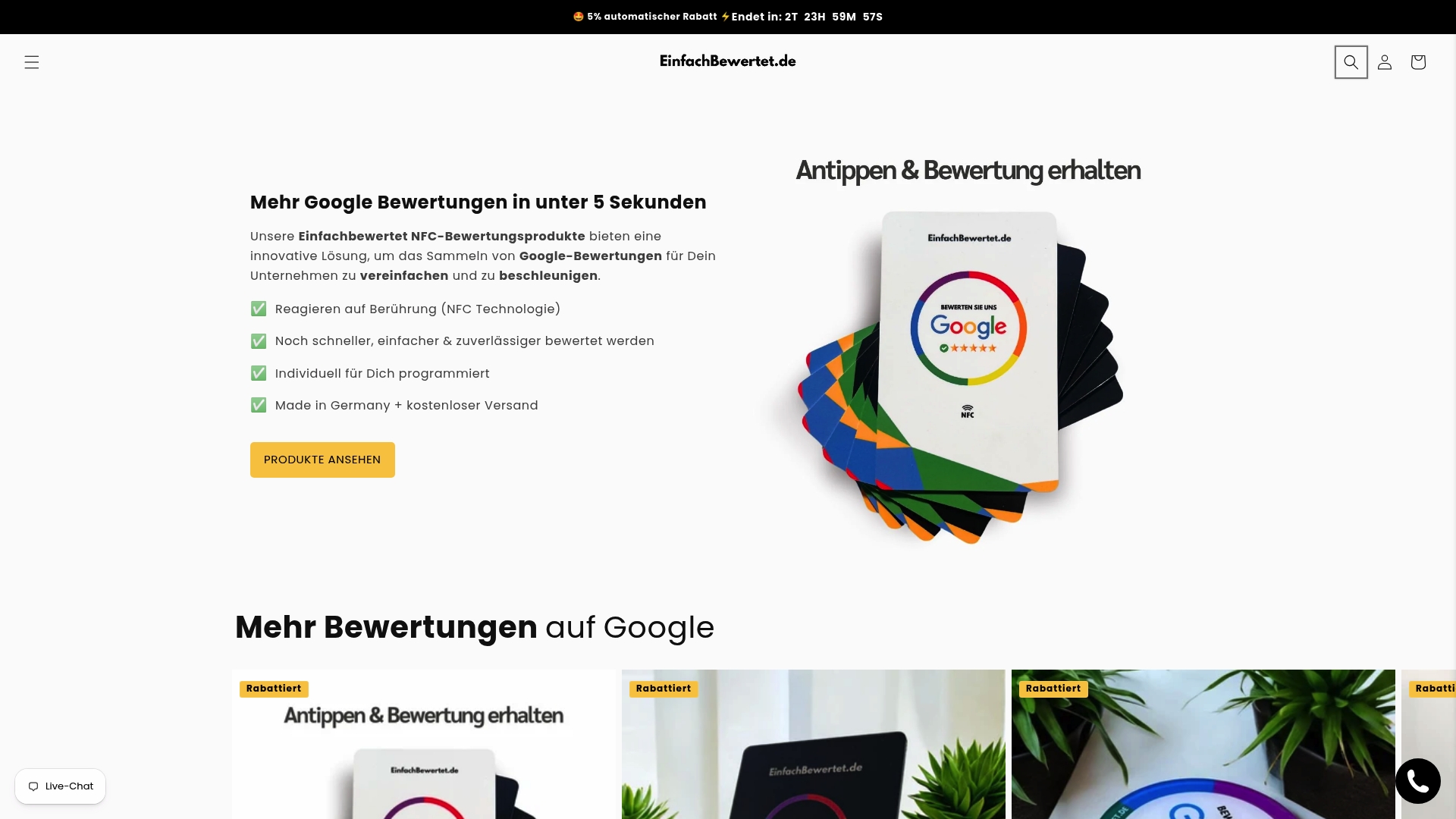
For restaurants, cafés and retailers with a counter area, the NFC review card is the fastest way to get started: business-card sized, ready to use immediately, with your logo. If you have a fixed location and want maximum visibility, choose the counter display stand. Both products arrive pre-programmed, including free shipping and a money-back guarantee. If you have setup questions, support will get back to you directly.
Take a look at the full range at Simplify Reviews and choose the product that fits your business.
Important sources and tools for setup, testing and legal questions
- NFC review card (plug & play): Product page for the pre-programmed standard card, including branding options and ordering.
- Review lid (NFC): For hospitality businesses that want to use coffee cups as a customer touchpoint.
- Guide: setting up NFC cards for Google reviews: Step-by-step explanation of setup, placement and programming.
- Guide to a review strategy with NFC: Measurement, optimisation and KPIs for the review rate.
- 5-star booster calculator: Free tool for planning how many reviews you need to reach your goal.
- Google Business Profile (business.google.com): This is where you generate your direct review link and manage your Business Profile.
- Note on legal questions: For specific GDPR questions relating to your business, contact a data protection officer or a specialist IT law attorney.
FAQ
How does a Google review via NFC work?
An NFC tag stores your direct Google review link. When a customer taps their smartphone on it, the review form opens instantly, with no search or app required. The NFC guide from Simplify Reviews explains more about the setup.
Does NFC work on iPhones too?
Yes. From iPhone 7 with iOS 13, iPhones read NFC tags automatically. Older models require a dedicated app. For maximum compatibility, a combined NFC+QR display stand is recommended.
Is there a QR code display stand for Google reviews?
Yes. Simplify Reviews offers display stands with combined NFC and QR code, so customers without an NFC-enabled device can scan the code.
How can I spot fake Google reviews?
Fake reviews often come from profiles with no profile picture, no other reviews and generic text. Google allows you to report these reviews directly in your Business Profile.
Do I need to set up a separate link for every NFC card?
No. All cards for one location use the same review link. With Simplify Reviews, this link is added once during the order process and pre-programmed onto all ordered products.
Recommended
- Maximise your customer feedback: The guide to integrating – Simplify Reviews
- GOOGLE REVIEW CARD (NFC) | Get Google reviews more easily – Simplify Reviews
- How can NFC cards be used for Google reviews? - – Simplify Reviews
- Google business card with QR code – More reviews and better rankin – Simplify Reviews