How to Find Your Google Place ID: 2026 Guide
Find your Google Place ID in minutes, check it properly and use it for review links, QR codes and NFC displays in your local business.
Short answer: The fastest way to find your Google Place ID is with the official Place ID Finder: enter your business name with the town/city or address, select the right listing and copy the ID. For individual restaurants, clinics, workshops, branches or shops, this usually takes just a few minutes; for many locations, use the Places API. The Place ID is the technical key for clear Maps links, review links, QR codes and NFC displays – according to Google’s recommendation, saved IDs should be checked after 12 months at the latest.
- A Google Place ID is a text-based identifier that uniquely identifies a place in the Google Places database and on Google Maps, as described in the Google Maps Platform documentation.
- After you search for an address, the official Place ID Finder shows the Place ID, name and formatted address in the info window.
- Google recommends refreshing stored Place IDs if they are older than 12 months; according to the Place ID documentation, this can be done with a Place Details request using only the ID field.
- For Google Maps URLs,
query_place_idis the recommended parameter if you want to link clearly to a specific place, according to the Maps URLs documentation. - You may ask customers for reviews and use a Google link or QR code for this; incentives such as discounts, free services or rewards for reviews are prohibited according to Google Business Profile Help.
Last updated: November 2026. Applies to local businesses, branches, clinics, restaurants, trade businesses, automotive businesses and location managers in Germany who want to use their Google Place ID for Maps links, review links, QR codes or NFC products.
What is a Google Place ID – and what is it not?
A Google Place ID is the unique location ID of a listing in Google Maps and the Google Places database.
You can think of the Place ID as a technical fingerprint for your location. The business name may change, the spelling may vary, a street name may be abbreviated – the Place ID still helps systems identify the right place. Google uses Place IDs across various Google Maps Platform services, for example in the Places API, Geocoding API, Maps URLs and Place Details.
A typical Place ID looks like this, for example:
ChIJN1t_tDeuEmsRUsoyG83frY4
Important: the character string is not designed for humans. You should not try to infer a city, address or category from it. Always copy the ID in full, without spaces before or after it.
These are not the same thing:
| Term | Meaning | Relevant for? |
|---|---|---|
| Google Place ID / location ID | Unique technical identifier for a place | API, Maps URL, review link, location assignment |
| Google Maps URL | Share link to a Maps listing | Sharing via website, email, social media |
| Coordinates | Latitude and longitude | Navigation, map position, geodata |
| CID / 0x character string | Internal or URL-related identifier visible in Maps URLs | Do not simply use it as the official Place ID |
| Location ID | General term that varies by system | Not automatically a Google Place ID |
For review links and NFC products, the Place ID is especially valuable because it takes customers as directly as possible to the right business profile. If you would also like to know how the finished review link is structured, this guide is a good next step: Create a Google review link.
How do I find my Google Place ID with the Place ID Finder?
The easiest way to find your Google Place ID is to search for your business name plus town/city or address in the official Place ID Finder.

Here is how to do it step by step:
- Open the official Google Place ID Finder.
- Do not enter just the name; use name + street + town/city wherever possible.
- Select the correct listing from the suggestions.
- Check the name, address and marker position in the info window.
- Copy the displayed Place ID in full.
- Also save the check date, for example
14/11/2026.
A good search example is:
Sample Café, Hauptstraße 12, Cologne
A risky search example is:
Sample Café
The second search term can produce multiple results, especially for restaurants, hairdressers, physiotherapy clinics, car dealerships or trade businesses with similar names. If you have branches in the same city, always double-check the address.
Practical tip: for several locations, create a spreadsheet with these columns:
- Location name
- Street
- Postcode and town/city
- Google Place ID
- Link to the Google Business Profile
- Date of last check
- Responsible branch or contact person
This saves time later when you manage QR codes, NFC cards, displays or location pages.
What should I do if the Place ID Finder cannot find my business?
If the Place ID Finder cannot find your business, it is usually due to the search term, duplicates, a new business profile or a location that has not been clearly verified.
Check these points first:
- Make the search term more precise: Use the company name, street, house number, postcode and town/city.
- Add the category: For generic names, an addition such as “dentist”, “car repair shop”, “restaurant” or “physiotherapy” can help.
- Check the marker position: The right name is not enough if the marker is at the wrong address.
- Check your Google Business Profile: An incomplete or newly created profile can be harder to find temporarily.
- Identify duplicates: Old, closed or automatically created listings can distort the search.
If you see two very similar listings, do not blindly use the first result. Open your business profile in Google Maps and compare the name, address, phone number, website and reviews. For local rankings, Google recommends keeping business information complete and accurate; according to Google Business Profile Help, this includes the address, opening hours, category and further details such as parking or Wi-Fi availability.
For chains and franchises, clean location assignment is especially important. A QR code on the counter in Dortmund must not accidentally lead to the Düsseldorf location. For multiple branches, you should therefore document and test each Place ID individually.
How do I find the Google Place ID via the Places API?
You can find Place IDs automatically via the Places API if you need to check many locations or integrate IDs directly into a system.
For most local businesses, the Place ID Finder is enough. The API is worthwhile if, for example, you:
- manage 20, 50 or 200 branches,
- match location data from a CRM or branch system,
- want to check Place IDs regularly and automatically,
- run your own app or location search,
- need to import and clean up external location data.
For the Places API (New), these methods are particularly relevant:
| API method | Purpose | Typical use |
|---|---|---|
| Text Search (New) | Search for places using a text string | “Pizza in Munich”, “Müller car dealership Hamburg” |
| Nearby Search (New) | Search for places within a radius | Category plus location area |
| Place Details (New) | Retrieve details for a known Place ID | Check ID, validate address or name |
Text Search (New) returns places based on a text string. The response contains a places array; you use Field Masks to define which fields are returned. For simple ID queries, request only the fields you really need, for example places.id and places.displayName.
A highly simplified example:
curl -X POST -d '{
  "textQuery": "Sample Workshop Cologne"
}' \
-H 'Content-Type: application/json' \
-H 'X-Goog-Api-Key: API_KEY' \
-H 'X-Goog-FieldMask: places.id,places.displayName,places.formattedAddress' \
'https://places.googleapis.com/v1/places:searchText'
Important for developers: The Google documentation on field masks points out that there is no default list of returned fields and that unnecessary fields can increase costs and response time. In production, do not use * by default; use only the fields you actually need.
How long does a Google Place ID remain valid?
A Google Place ID can change, so stored IDs should be checked after 12 months at the latest.
In the Place ID documentation, Google states that Place IDs may be changed due to updates in the Google Maps database. An ID can also become outdated if a business closes, moves or Google merges a place again.
In practice, this means:
- One-off use: For a current review link or a single card, the freshly found ID is sufficient.
- Printed materials: For displays, flyers, business cards and QR codes, test before printing.
- Multiple locations: Check Place IDs annually or whenever a location changes.
- Use a redirect/short link: If you use your own redirect link, you can change the target later without reprinting the QR code.
If an old ID no longer works, the API may return errors such as INVALID_REQUEST or NOT_FOUND. According to Google, NOT_FOUND can occur when a Place ID is outdated, for example after a business has closed or moved.
For local businesses, the most important takeaway is simple: never store the Place ID only somewhere in an old QR code project. Keep a central list up to date.
How does the Place ID become a review link, QR code or NFC display?
The Place ID becomes a usable review process when you build it into a tested link and place that link on a QR code, NFC card, display or email signature.

For Maps links, Google recommends the query_place_id parameter for clear links. A general Maps link can look like this:
https://www.google.com/maps/search/?api=1&query=BUSINESS_NAME&query_place_id=PLACE_ID
For direct review requests, a review link with a Place ID parameter is often used in practice:
https://search.google.com/local/writereview?placeid=YOUR_PLACE_ID
Always test this link on several devices before printing it or programming it onto NFC tags. Check in particular:
- does the correct business profile open?
- does the review window open directly, or at least the correct entry point for leaving a review?
- does the link work on iPhone and Android?
- does the QR code work at a normal distance and in normal light?
- does an NFC tap lead directly to the target?
Google itself also offers the option to create a link or QR code for requesting reviews in the Business Profile. According to Google Help, the QR code can currently be generated in a desktop browser; Google mentions receipts, thank-you emails, chat endings and in-store signage as possible use cases, among others.
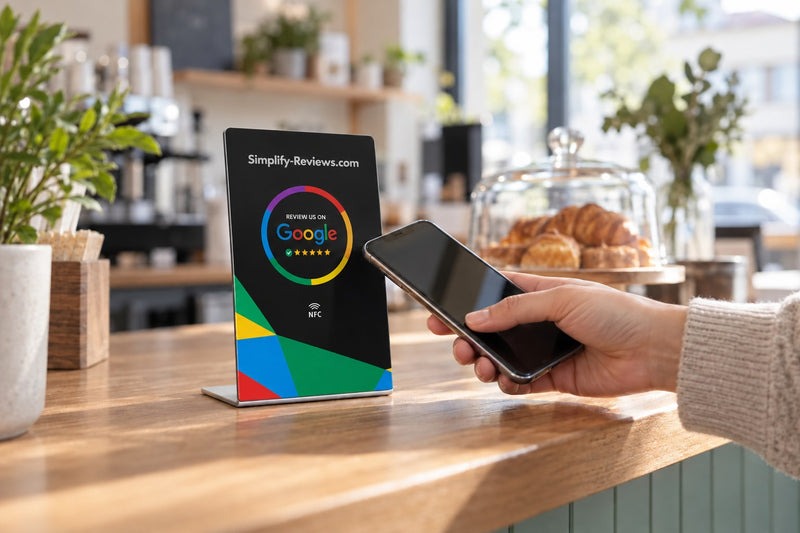
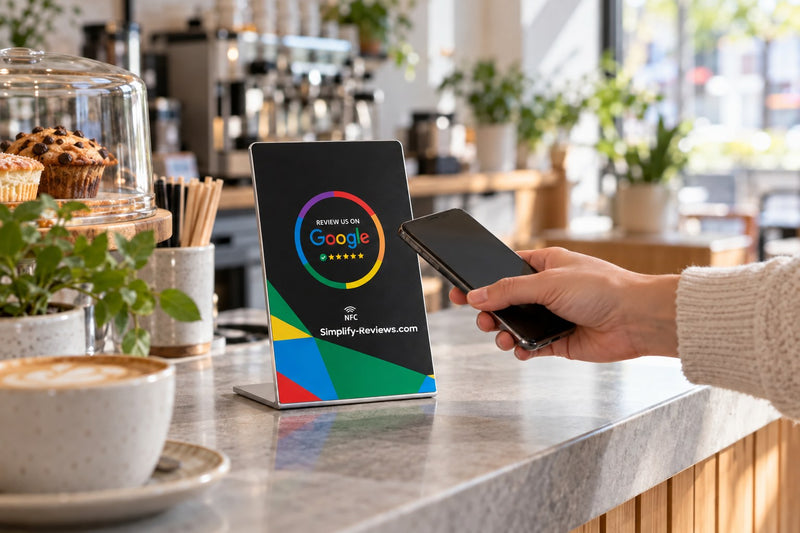
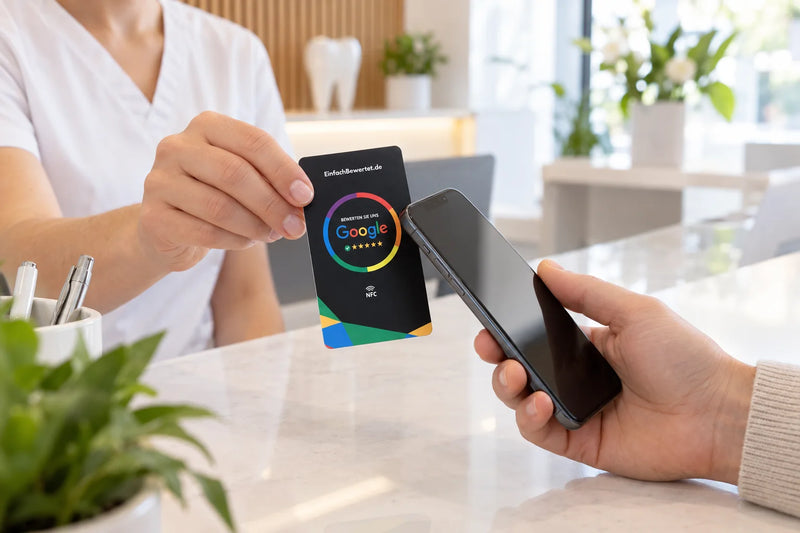
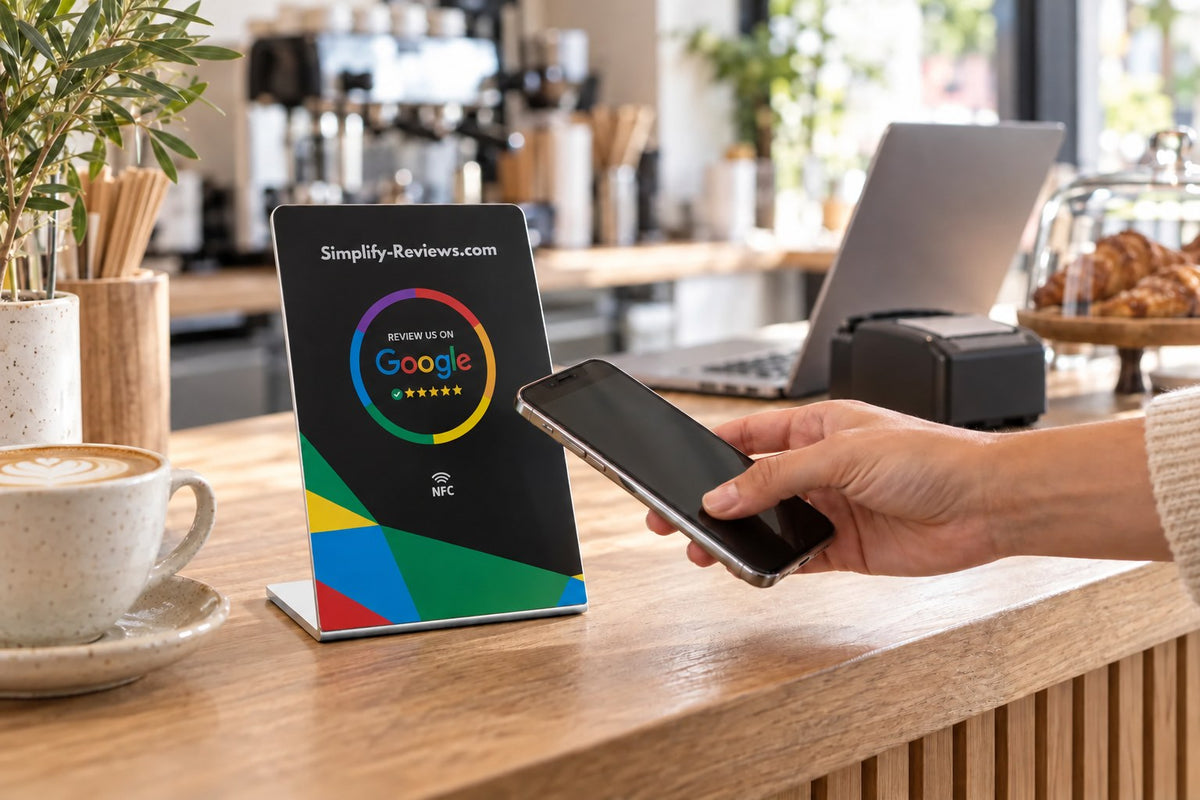
For NFC displays, the process is similar: the Place ID leads to the review link, the review link is written to the NFC chip and also printed as a QR code. NFC works with virtually all current iPhones and Android smartphones; the QR code remains the fallback for older devices or disabled NFC.
What should local businesses keep in mind when collecting Google reviews?
You may actively ask customers for Google reviews, but you must not selectively forward only satisfied customers, force a review or offer a reward.
This is especially important in Germany because improper review collection can not only violate Google’s policies, but may also create risks under competition law. In disputed individual cases, a lawyer should check what applies to your specific situation.
According to the Maps policies for user-generated content, Google allows genuine experiences to be requested without incentives. The following are not allowed, among others:
- paid reviews,
- discounts or gifts for reviews,
- requests to change or remove a negative review in exchange for a benefit,
- review gating, meaning intercepting negative feedback and sending only positive feedback to Google,
- pressuring customers to write reviews directly on site while being observed,
- specific instructions such as “Please give us 5 stars”,
- review quotas for employees.
Applied to specific sectors, this means:
- Restaurant, café, snack bar: After payment, politely point to the display: “If you’d like to, we’d really appreciate honest feedback.”
- Physiotherapy, dentist, medical practice, pharmacy, optician: Ask neutrally, without requesting health details and without putting patients under pressure in the treatment room. For medical practices, this is also relevant: Google reviews for medical practices – what is allowed.
- Trades: Ask after acceptance or successful completion via card, email or a note on the invoice. More detail: NFC for trade businesses.
- Car repair shop and dealership: Use a display at reception when handing over the vehicle or completing the service. More on this: Collecting Google reviews at a car dealership.
- Beauty, hairdresser, cosmetics: Ask directly after the appointment, but without a discount, free product or prize draw. Also relevant: Google reviews in beauty salons.
The best process is short, neutral and repeatable: the service is completed, the customer has had genuine contact, an employee asks politely, and NFC or a QR code shortens the path.
What do search terms like place_id:0x47996686… mean?
Character strings such as place_id:0x47996686c2debc8f:0x9557b9fbae3570d1 look like a Place ID, but they are not automatically the official Google Place ID for APIs, review links or NFC programming.
Many users come across long identifiers in Google search results, source code or Maps URLs, such as:
place_id:0x47996686c2debc8f:0x9557b9fbae3570d1
place_id:0x4799166bef7ddfd9:0x34a1817aca516435
place_id:0x4799c4b331ae8da7:0x89e3b7e87d45b5a
place_id:0x47982f690568f845:0x86e3d71131aaf485
place_id:0x47bd7a80ca9456d5:0xe71d6e1c1dd3430a
Such 0x...:0x... values can appear in Google Maps URLs or internal representations. You should not simply copy them for your review link. Instead, use the official Place ID Finder or the Places API and use the ID provided there.
Rule of thumb: if the ID comes from the Finder or from places.id in the Places API, it is the right working basis. If you have only extracted the character string from a long Maps URL or a search result, you should check it against the Finder.
This also applies to similar search terms such as placeid, places id, google places id, place id google or location id. They often refer to the same goal – but the technically clean solution is the officially determined Google Place ID.
Which Google Maps questions are often confused with the Place ID?
Many Google Maps functions have nothing to do with the Place ID, but are often searched for together with it.
In brief:
- How can I be found on Google Maps? Maintain and verify your Google Business Profile, keep your address, opening hours, category and other information up to date, and respond to reviews; in its Business Profile Help, Google names complete and accurate information as an important factor for local visibility.
- How can you find coordinates in Google Maps? On a computer, right-click a place; according to Google Maps Help, Google shows the latitude and longitude in the pop-up.
- How can I find my parked car again? In the Google Maps app, after arriving you can tap the blue location dot and save the location as your parking spot; Google describes the process in the Maps Help article on parking spots.
- How do I find parking on Google Maps? According to Google, searching for parking near your destination is only available in some US cities; in Germany, the traditional search for “car park”, “parking” or “parking nearby” is usually the practical option.
- How can I enter an arrival time in Google Maps? This is a route function, not a Place ID function. Depending on the device and mode of transport, you can choose a departure or arrival time in route planning; the interface may vary depending on the app version.
- Which app shows available parking spaces? Google Maps does not provide comprehensive real-time availability for free parking spaces in Germany. Depending on the city, car park apps, municipal parking guidance systems or provider apps are often more accurate.
For your review system, one thing is especially relevant: coordinates and Maps URLs can help you check a location. For review links and clear technical connections, the Place ID remains the better foundation.
Our view
In practice, we see the same mistake again and again: businesses find some Google Maps link, print it as a QR code and only realise later that the link does not reliably lead to the review form or lands on the wrong branch. The Place ID does not solve every review problem, but it creates a clean technical foundation.
The key is not only finding the ID. What matters is the process afterwards: test the link, check the QR code, verify the NFC target, briefly train employees and regularly check whether everything still works. Especially for restaurants, clinics, trade businesses and automotive businesses, the moment directly after the service matters. When the customer is satisfied at the counter, reception desk, consultation table or vehicle handover, the path to leaving a review should be as short as possible.
However, we would never recommend filtering only satisfied customers or rewarding reviews with discounts. That is unnecessarily risky. A neutral, simple process for all genuine customers is better. The technology should shorten the path, not influence the opinion. A properly checked Place ID, a stable review link and a visible touchpoint in the business are usually enough for that.
— Simplify Reviews Team
How we help
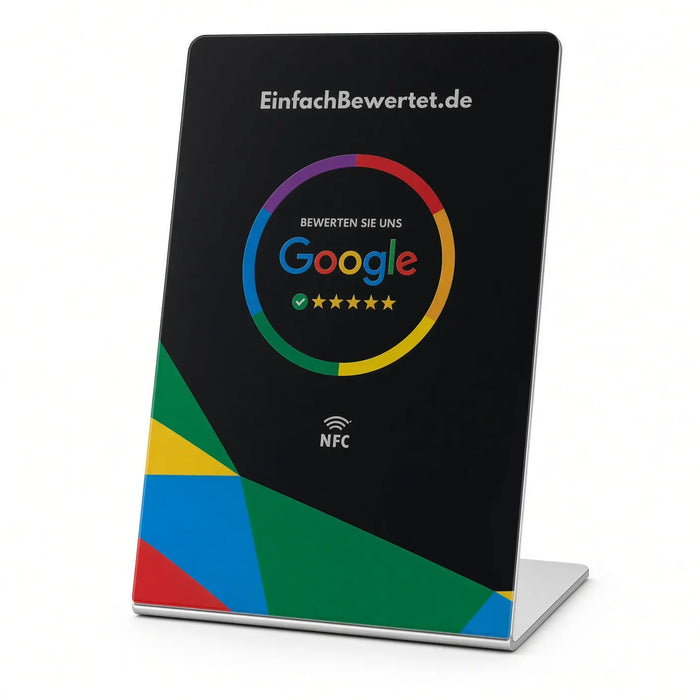
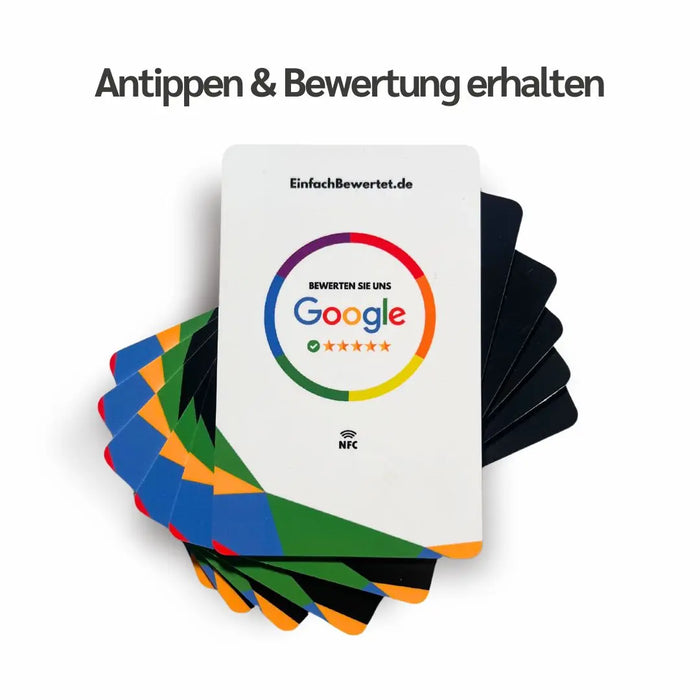
We use your Place ID to set up a review process that works in everyday business: checking the review link, integrating a QR code as a fallback and preparing NFC products for the right point of use. The Google review display with NFC is especially popular for counters, reception areas or consultation tables. For mobile teams or service vehicles, NFC review cards often work well; for existing surfaces, self-adhesive NFC review tags are a good option. If you are unsure which touchpoint makes sense for your business, you can request a free consultation.
Frequently asked questions
Where can I find the Google Business ID?
If by “Google Business ID” you mean the Place ID, the fastest way to find it is in the official Place ID Finder. Enter the name, street and town/city, select the correct listing and copy the displayed ID. Do not confuse it with the profile management in your Google Business Profile.
What is the difference between a Place ID and a review link?
The Place ID is only the technical identifier for the location. The review link uses this identifier to guide customers to the correct Google review form. Only the combination of Place ID, link, QR code or NFC tag creates a usable review process.
Can customers leave a Google review without a Google account?
No. According to Google, customers must be signed in to a Google account to leave a review. The account does not necessarily need to have a Gmail address; Google notes that a Google account can also be created with another email address. You should therefore expect that some customers will drop off despite the QR code or NFC.
Am I allowed to reward customers in Germany for a Google review?
No. Discounts, free products, prize draws or other benefits in exchange for reviews are prohibited under Google’s policies. This can also be risky under competition law; have special cases reviewed by a specialist lawyer.
How can I have a negative Google review removed?
You can report a negative review if it violates Google’s policies, for example because of fake content, a conflict of interest, insults or personal data. A merely critical but genuine customer experience is generally not removed. For an initial check, a structured guide can help, such as the PDF guide to removing unjustified Google reviews.
How can restaurants, clinics, tradespeople or automotive businesses get more Google reviews?
The best approach is a short, neutral process directly after the genuine service: invoice paid, treatment completed, job accepted or vehicle handed over – then politely ask for honest feedback. An NFC display or card reduces the clicks, but it does not replace the personal request. You can also find more basics in the article Asking customers for a review.
Sources
- Google for Developers: Place IDs
- Google for Developers: Place ID Finder
- Google for Developers: Maps URLs – Get started
- Google for Developers: Text Search (New)
- Google for Developers: Place Details (New)
- Google for Developers: Choose fields to return
- Google Business Profile Help: Create a link or QR code to request reviews
- Google Business Profile Help: Tips to get more reviews
- Google Maps policies: Prohibited and restricted content
- Google Business Profile Help: Improve your local ranking on Google