Practice Guide: 6 Strategies for Legally Safe Patient Review Requests
Practical guide for medical providers: legally safer wording, ready-to-use templates, 24-hour sending window, automation checks and...
Yes, you should ask your patients for a review after an appointment, and you should do it as soon as possible. The most effective approach combines a short personal request at reception with a digital reminder within 24 hours. This increases your practice’s visibility and trust without using incentives or pressure. The important thing is to understand the legal rules before you send the first message.
In short:
- A personal request at check-out combined with an automated email within 24 to 48 hours significantly increases the likelihood of receiving reviews.
- SMS messages, QR codes and NFC options provide fast, contactless ways to leave reviews, which are especially effective when waiting times are short.
- Review requests by email are legally possible, but require clear consent, an opt-out notice and must not include incentives or instructions regarding star ratings.
- Automated review workflows are usually easy to set up in practice management software, with the sequence of personalised request and digital reminder being crucial.
- Responses to negative reviews should always be factual, public and include an offer to make contact in order to protect the practice’s reputation.
Table of contents
- Six practical strategies for review requests straight after the appointment
- Timing and channel choice: when email, when SMS, when in person?
- GDPR, consent and what is prohibited when it comes to incentives
- Ready-to-use templates for email, SMS and in-person conversations
- Automation: setting up review workflows in appointment software
- Managing negative reviews: respond instead of ignoring them
- KPIs and benchmarks: how to measure the success of your review strategy
- What I have learned from real practices
- One-tap solutions as a practical addition to digital requests
- Sources
- FAQ
Six practical strategies for review requests straight after the appointment
The order of these tactics is not random. They build on one another, starting with the simplest and most cost-effective method and moving towards technical solutions that can later be automated.
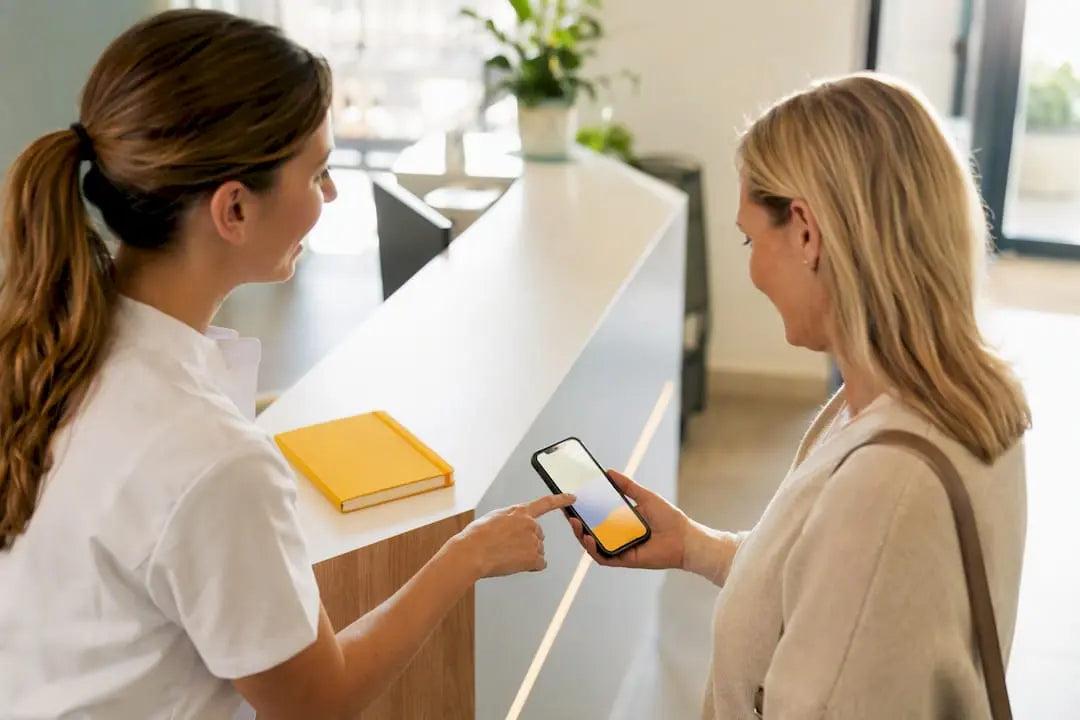
- The short personal request at check-out. One sentence is enough: “If you were happy with your visit, a short Google review would really help us.” It costs nothing and feels the most credible because the patient is still in the positive moment.
- The automated email within 24 to 48 hours. This window is considered the ideal timeframe in many practice guides, because the appointment is still fresh in the patient’s mind without the message feeling intrusive.
- SMS as an underrated channel. SMS messages are almost always read, usually within minutes. For patients who do not use email much or have little time, this is often the more direct route.
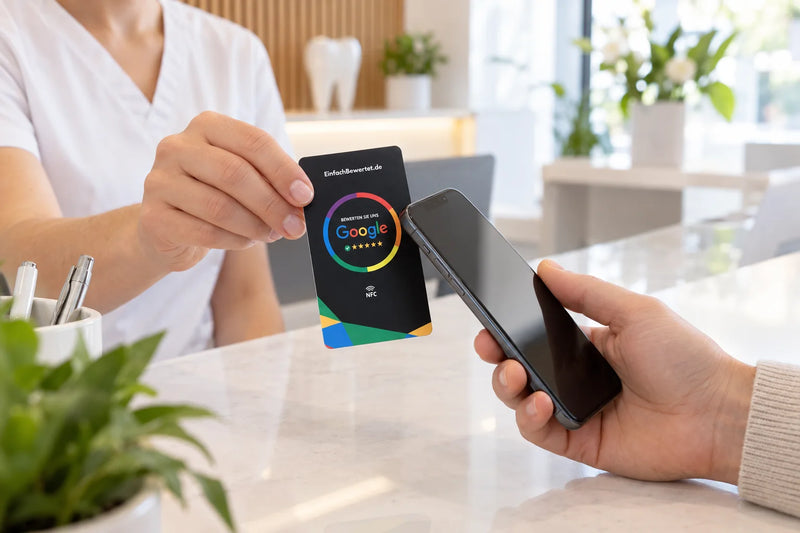
- QR code in the waiting room or NFC at reception. Anyone who does not want to wait for a message can scan or tap immediately. This option does not require contact details and remains completely anonymous until the review itself.
- A clear follow-up limit. One reminder, maximum. If you follow up twice, you risk sounding pushy and achieving exactly the opposite of a positive review.
- No incentives, no star-rating instructions. Discounts for reviews or asking for “five stars” is not only unprofessional, it also violates the review platforms’ own guidelines.
The most effective approach is a combination of point one and point two or three. The personal mention creates the expectation; the digital message provides the convenient click.
Timing and channel choice: when email, when SMS, when in person?
The basic rule is simple: the sooner after a positive appointment, the higher the likelihood of a review. In practical terms, that means a sending window of 24 hours, with a tolerance limit of up to 48 hours for emails.
- Email: ideally 24 to 48 hours after the appointment, preferably sent in the morning when inboxes are not yet overcrowded.
- SMS: early afternoon works well because patients are often taking a short break and already have their phone in their hand.
- Personal request: always directly when saying goodbye, never by a later phone call, which can feel staged.
Statistics callout: The best time for a review request is immediately after a positive treatment experience, ideally within 24 hours. Industry reports also show that SMS achieves significantly higher open rates than email, making short SMS requests especially effective for immediate feedback.
For complex treatments, such as longer therapy programmes or outpatient procedures, a different timing can be worthwhile. In these cases, it is better to wait until the final appointment in the series instead of asking after every single session. For first appointments, restraint is advisable because the patient cannot yet fully assess the treatment, while follow-up appointments with clear treatment progress are the ideal moment.
The strongest pattern remains the same: a personal mention plus a digital message. Several practice guides confirm that personal requests combined with a short digital follow-up message often achieve higher response rates than a purely digital approach alone.
Technically, it makes a difference whether you send a direct review link or display a QR code. A link in the message leads to the Google review page with one click, without detours. A Google review link is easy to create yourself and add to any template. QR codes are well suited to waiting rooms, but require the patient to open the camera and scan, which creates an additional hurdle. NFC solutions reduce this step to a simple tap with a smartphone.
GDPR, consent and what is prohibited when it comes to incentives
Review requests by email are generally legally possible, but not without limits. Two legal bases may apply: the patient’s explicit consent or the so-called existing-customer exception under Section 7(3) of the German Unfair Competition Act (UWG), which, under certain conditions, permits advertising to existing customers without separate consent.
A legal guide to review requests by email summarises that email requests are unproblematic if the sending method, legal basis and content are structured properly. In concrete terms, this means:
- You received the contact details in the context of treatment, not through purchasing addresses or having them passed on.
- The message clearly relates to the service provided, not to additional promotional offers.
- The patient had the opportunity to object to this type of use when the data was collected.
- Every message contains a clear opt-out notice that allows the patient to unsubscribe from future requests.
- You document when and how consent was given or on what basis you are using the exception.
Incentives for reviews, such as discounts or vouchers in exchange for a “fair” review, are risky and in some cases unlawful under competition law because they distort the objectivity of the review. Also off limits: asking for a specific star rating. Google itself prohibits this in its guidelines, and practices that violate them risk having entire review profiles deleted.
Pro tip: Add a one-line privacy notice to every review request, for example: “You are receiving this message in connection with your appointment with us. You can unsubscribe at any time via [Link].” It takes two seconds to read, but can protect you considerably in the event of a dispute.
Legal uncertainty prevents many practice teams from taking any action at all. Yet short, documented standard texts with an opt-out notice significantly reduce the risk. If you are looking for a ready-made template with legal notes, you will find practical text modules and legal tips to get started.
Ready-to-use templates for email, SMS and in-person conversations
Good templates are short, thank the patient and make the review link impossible to miss. Practice reports consistently recommend staying under three sentences and placing the direct link to the review platform clearly and visibly.
Email templates:
- Formal: “Dear Ms Müller, thank you for visiting our practice. If you were happy with your visit, we would really appreciate a short review: [Link]. Kind regards, your practice team.”
- Friendly: “Hello Mr Schmidt, it was lovely to see you at our practice! If you have two minutes, a short Google review would help us enormously: [Link]. Thank you and see you soon!”
- For self-pay patients: “Good afternoon Ms Weber, thank you for placing your trust in our treatment. Your experience helps other patients decide whether we are the right fit for them. You can leave a review here: [Link].”
SMS templates:
- Short and direct: “Thank you for your visit! Leave a review here: [Link]”
- With name: “Hello Ms Klein, thanks for stopping by. Two minutes for us? [Link]”
For the in-person conversation at reception:
- “If you were happy with your visit, we’d be grateful for a short review. We’ll send you the link by SMS in a moment.”
- “If you find the time, we’d really appreciate your feedback on Google. It genuinely helps us.”
For QR-code displays or NFC business cards:
“Your opinion matters: simply tap your phone or scan the code and leave a review in 30 seconds.” This notice works at reception, in the waiting room or directly on the front desk because it explains exactly what to do without unnecessary wording.
The same rule applies to every channel: keep it short, say thank you, and do not hide the link.
Automation: setting up review workflows in appointment software
Once more than a few patients pass through your practice each day, manual follow-up becomes impractical. Appointment management systems therefore often offer ready-made functions for appointment follow-up, where an email with a review link is automatically triggered after the appointment has been completed.
When setting up this kind of workflow, it is worth looking at these functions:
- Trigger after the appointment ends: The message should start automatically as soon as the appointment is marked as completed in the system, rather than being sent in batches at the end of the day.
- Template management: Different texts for different treatment types or patient groups, so the message never feels generic.
- Segmentation: First-time patients receive different wording from long-standing regular patients.
- A/B testing capability: Some systems allow you to test two subject lines or sending times in parallel.
A look at the appointment follow-up feature in many practice software solutions shows that these triggers can usually be configured in the calendar module with just a few clicks, often directly linked to the appointment status.
There are two basic approaches when it comes to the depth of integration. Some systems send the review link directly, while others first ask internally about satisfaction and only forward positive responses to the public review page. This stepped approach filters out dissatisfied patients before they write publicly, but it can also feel like a way of bypassing honest opinion-forming if used too aggressively.
Pro tip: Start every new automation with a small pilot group of ten to twenty patients before rolling it out in practice. Monitor open and click rates for two weeks, and only then scale up.
If you want to structure the process from the ground up, a guide to feedback management processes offers practical food for thought on system selection and workflow design, regardless of the specific software provider.
Managing negative reviews: respond instead of ignoring them
A bad review feels personal, but it should be handled objectively. The first step is always a public response that shows understanding and offers a specific way to make contact, rather than justifying yourself.
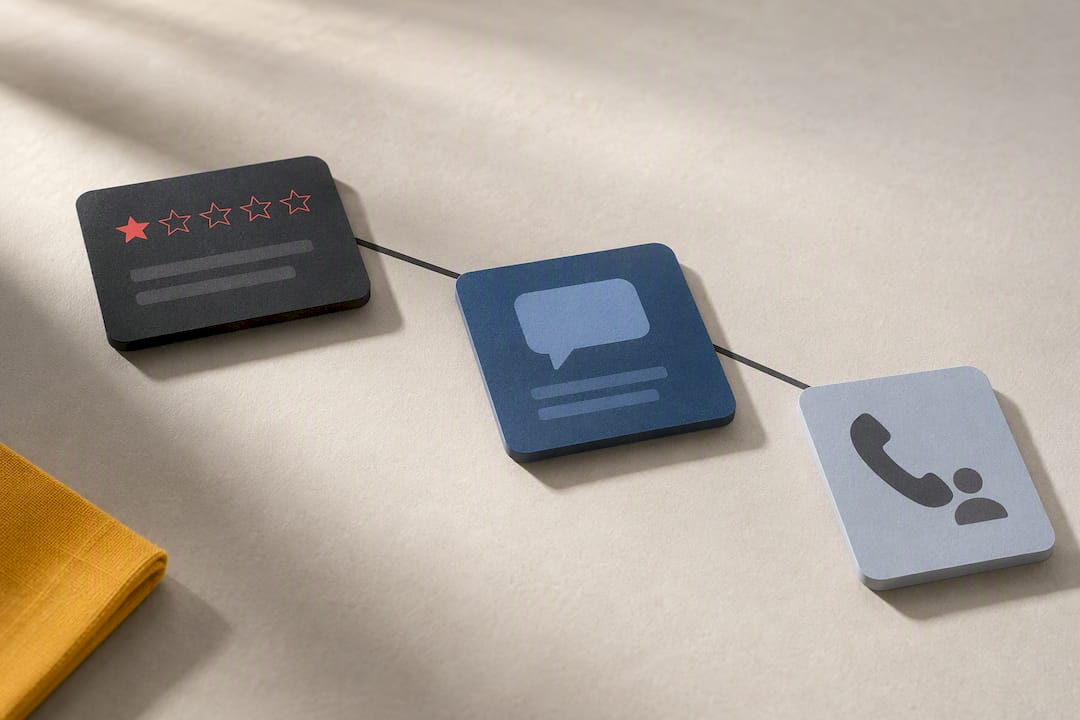
A useful response template could look like this: “Thank you for your feedback. We are sorry that your visit did not meet your expectations. We would like to clarify the matter directly, so please contact us at [phone number/email].” Short, without assigning blame, and with a clear next step.
Some reviews violate the platform’s guidelines, for example if they are insulting or clearly come from someone who was never a patient. In such cases, reporting the review to the platform or, in clear-cut cases, seeking legal support may make sense. But this is the exception, not the rule, and should not be your first reflex.
- Respond publicly within 24 to 48 hours, never later than one week.
- Offer a personal contact channel, never a discussion in the comments.
- Analyse internally whether the criticism points to a recurring process issue.
- Train the team if the same criticism appears repeatedly, rather than dismissing it as an isolated case.
- Never delete or ignore a justified review; that almost always reflects badly on you.
Ready-made text modules for different points of criticism, from waiting times to communication problems, can be found in a collection of response templates for reviews that can be adapted to your practice’s tone.
KPIs and benchmarks: how to measure the success of your review strategy
Four metrics are completely sufficient for everyday practice: the response rate (how many contacted patients actually leave a review), the number of new reviews per month, the average star rating and the click-through rate on the review link in email or SMS.
A small monthly mini-dashboard, even in a simple spreadsheet, is enough for tracking. Small practices with only a few appointments per day should realistically expect individual new reviews per month; larger facilities may receive several per week.
- Test different subject lines for the email template.
- Vary the sending time between morning and early afternoon.
- Compare SMS against email over one month to see which channel works better for your patients.
If you want to compare your own rate with industry-standard values, you will find specific review rate benchmarks as guidance for your practice size.
What I have learned from real practices
The biggest mistake I keep seeing in practice teams is this: they wait for the “perfect” moment to ask for a review and miss the actual window. The second common mistake is text that is too long and reads like a marketing email rather than an honest request between provider and patient. The third: having no follow-up rule at all, so patients are sometimes reminded once and sometimes five times, which feels inconsistent and intrusive.
A small physiotherapy practice I discussed this topic with simply introduced a personal request at reception, combined with an SMS that same evening. Within three months, the number of reviews rose noticeably, without spending a single cent on advertising. The difference was not the technology, but consistency: every patient, every time, the same short sentence.
What many people underestimate is that the review itself is almost secondary. The real value lies in signalling to the patient that their opinion matters. That builds loyalty, regardless of whether the final rating is four or five stars.
— Dario
One-tap solutions as a practical addition to digital requests
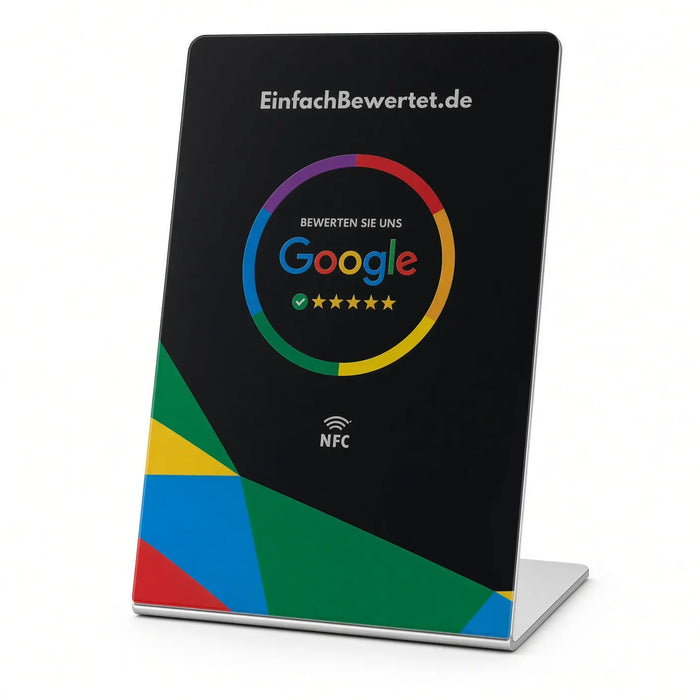
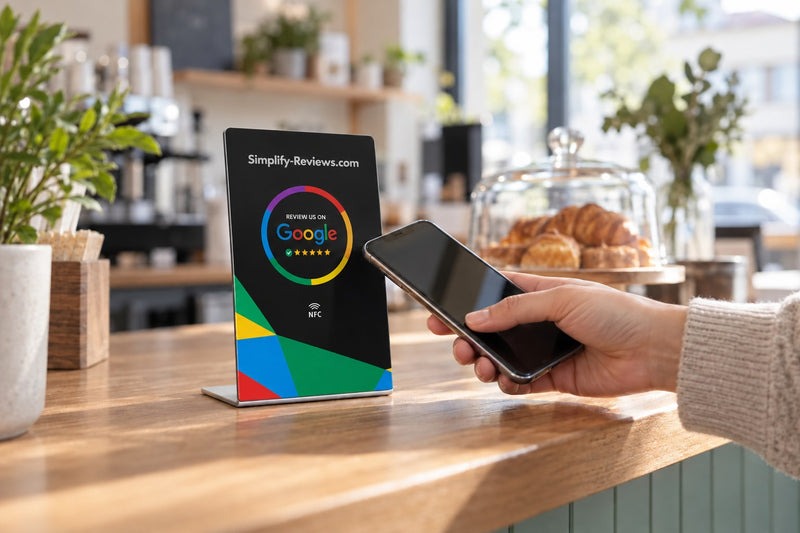
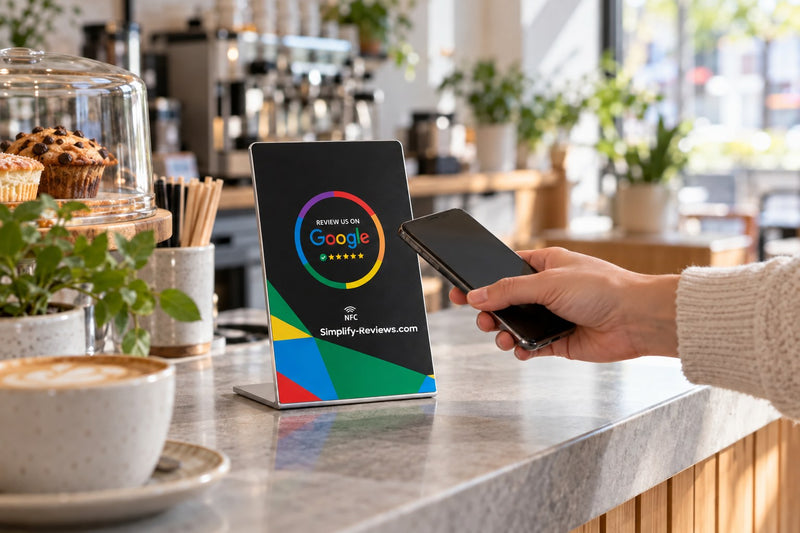
Email and SMS work well, but they still require the patient to open a message and click a link. This small hurdle disappears when you offer a physical touchpoint directly in your practice. Simplify Reviews provides individually programmed NFC products that take patients directly to your practice’s Google review page with a simple smartphone tap, with no app or awkward scanning required.
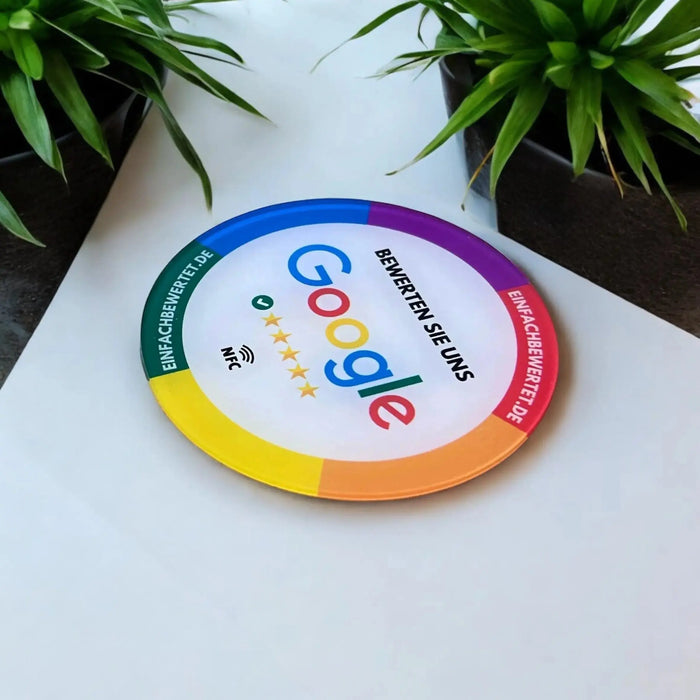
Whether placed at reception, in the waiting room or directly on the front desk, the principle remains the same: the patient taps, the review page opens, done. For practices with a high appointment volume, this is often the lowest barrier of all because there is no need to wait for an email or SMS. The Google review plate with NFC technology can be customised with your practice logo and individual colour design, so it fits the rest of your interior instead of looking out of place.
If you would prefer a display stand for the reception desk, the NFC review stand offers a similarly simple solution that can be set up without any technical knowledge. Both products are pre-programmed for the individual practice and come with free shipping and a money-back guarantee. Take a look at the product page and see which option suits your reception area.
Sources
If you want to dive deeper into the legal details, the legal guide to review requests provides a detailed assessment of the existing-customer exception and consent requirements. For practical wording help, it is worth looking at the text templates for review requests, which cover different tones. If you want to understand the technical side of automation, the appointment follow-up documentation provides concrete configuration steps for common appointment software.
- Review requests by email: what is allowed?
- Asking patients for reviews — how it works
- The 5 best text templates for review requests (Cituro)
- Appointment follow-up — quick start (onOffice Enterprise Help)
FAQ
What is the best way to ask patients for a review?
The most effective approach is a short personal request at the moment of saying goodbye, followed by an automated email or SMS within 24 hours with a direct review link.
How do I word a review request in the most positive way?
Keep the message under three sentences, thank the patient for their visit and place the link clearly, without asking for a specific star rating.
Is there a fixed template for review requests?
There is no single mandatory template, but proven examples such as “Thank you for your visit, we’d really appreciate a short review: [Link]” work reliably across different types of practices.
How can I regularly collect reviews as a practice?
Set up a fixed process: a personal request plus an automated message, combined with an NFC or QR touchpoint at reception, so asking for reviews does not depend on chance.
Is it legally permitted to ask patients for a review by email?
Yes, provided consent has been given or the existing-customer exception applies, and every message includes a clear opt-out notice.
How often should I remind a patient to leave a review?
One single reminder is enough. Following up several times feels intrusive and harms the impression more than it helps generate reviews.