More Google Reviews for Restaurants: What Really Works
How restaurants can collect more Google reviews: optimise your profile, place an NFC/QR link, ask guests in line with the rules and respond.
Short answer: you’ll get more Google reviews for your restaurant if your Google Business Profile is complete, the direct review link is reachable in one tap, and your team points guests to the option to leave a review in a neutral, voluntary way and without any incentive. In practice, that means: QR code or NFC display at the bill, counter and exit, plus a short note for later — not only for satisfied guests and not in exchange for a discount. For restaurants, cafés and bars in Germany, this is especially important: Google allows genuine experience-based reviews, but prohibits incentives, purchased reviews and deliberately filtering out negative guests.
- Google provides a direct review link and QR code for Business Profiles; according to Google, businesses can use it on receipts, in thank-you emails, after chats or printed in-store.
- Rewards are off-limits: payments, discounts, free products or services in exchange for reviews are considered prohibited incentives by Google.
- According to Google, local ranking is mainly based on relevance, distance and prominence; more reviews and positive ratings can help, but they are not a ranking guarantee.
- The star rating is the average of all published Google reviews; it can take up to 2 weeks for a new review to be reflected in the average rating.
- As a guide: in BrightLocal’s 2026 US consumer survey, 97% of respondents read online reviews of local businesses; 74% pay particular attention to reviews from the last 3 months.
Last updated: November 2026. Scope: restaurants, cafés, bars and system catering in Germany; legal information is not a substitute for individual review by a lawyer, tax adviser or data protection officer.
Why are Google reviews so important for restaurants?
Google reviews influence whether guests even consider your restaurant, especially for spontaneous searches such as “restaurant near me”, “Italian food” or “café open”.

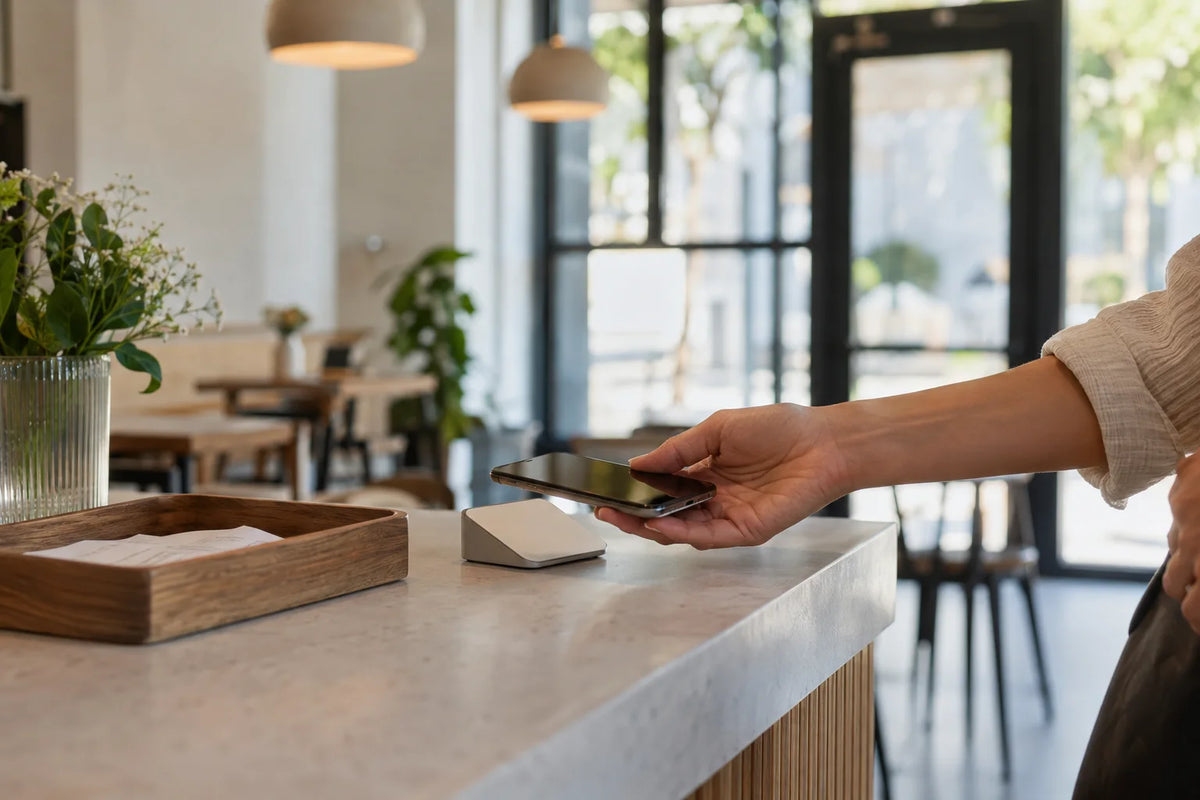
Illustrative image (AI-generated)
For restaurants, the decision is often made quickly: guests compare stars, the number of reviews, recent reviews, photos, opening hours and distance. A strong review history doesn’t replace good food or good service, but it reduces uncertainty. New guests in particular want to know: Is the restaurant currently reliable? Is the service friendly? Do waiting times, cleanliness and value for money feel right?
For local visibility, another point matters too: Google names relevance, distance and prominence as the main factors for local search results. According to Google, prominence also includes information such as links, reviews and ratings — one reason why continuous, genuine reviews are more important for restaurants than one-off campaigns. However, a better local ranking cannot be bought or demanded with certainty.
For restaurants, this means: it’s not just the stars that count, but also the recency and themes of the reviews. If guests repeatedly mention “fast service”, “child-friendly”, “vegan options” or “good lunch menu”, that helps potential guests make a decision.
How do you set up your Google Business Profile as a restaurant?
You don’t need a separate “Google Business Account” product — you need a Google Account and a free Google Business Profile that you add, claim and verify.
If your restaurant doesn’t have a profile yet, you can add it via Google. If a profile already exists, you should claim it. Google states that you can add or claim a Business Profile free of charge; after verification, you decide how your business appears in Google Search and Maps.
Important for restaurants:
- Enter the name correctly: exactly as it appears at your premises, without keyword stuffing.
- Choose a category: e.g. restaurant, café, pizzeria, sushi restaurant, bar.
- Maintain address and opening hours: including public holidays, kitchen hours and special opening hours.
- Add phone number, website and reservation link.
- Keep photos up to date: exterior view, dining area, dishes, menu, terrace.
- Verify your profile: depending on the profile, Google may require different verification methods; the review can take up to 5 business days, rarely longer.
If your profile is incomplete, you may still collect reviews — but you’ll be giving away visibility. For restaurants with multiple locations, a clean location structure is worthwhile so each branch can build its own reviews, opening hours and photos. For more complex profiles, Google Business Profile optimisation can be useful.
How do you create the review link or QR code for your restaurant?
You create the direct review link in your Google Business Profile via “Read reviews” and “Get more reviews”; according to Google, the QR code can currently only be generated in a computer browser.
The major advantage: guests don’t have to search for your restaurant, click through Maps menus or guess where they can leave a review. They land directly in the right place. Google itself mentions several use cases: receipts, thank-you emails, chat interactions and printed QR codes in-store.
For restaurants, this basic setup is recommended:
| Contact point | Suitable for | Note |
|---|---|---|
| Invoice or receipt | almost all guests | Short text + QR code, not intrusive |
| Table display | Dine-in, café, bar | clearly visible, voluntary, not phrased as an obligation |
| Counter or exit | Take-away, bakery, snack bar | ideal for short visits |
| Email after reservation | Reservation guests | only if sending it is legally permitted |
| NFC card for service team | personal handover | neutral note, no pressure |
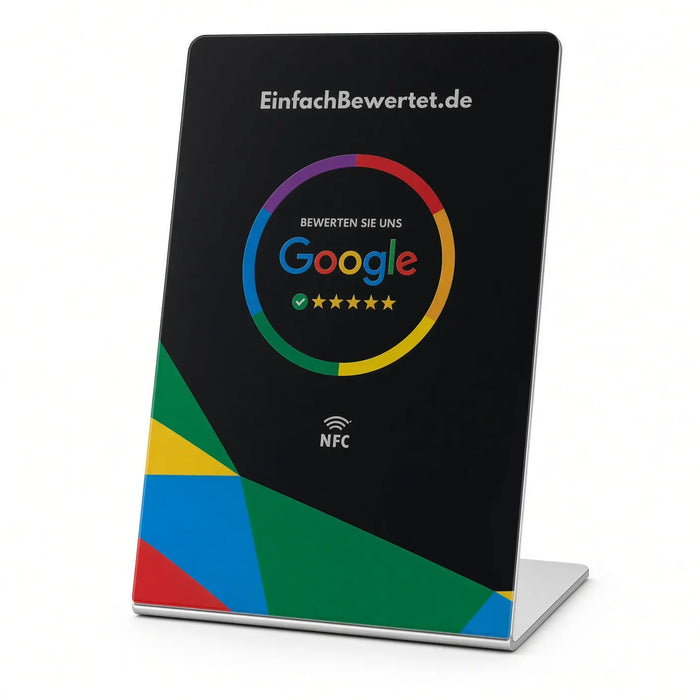
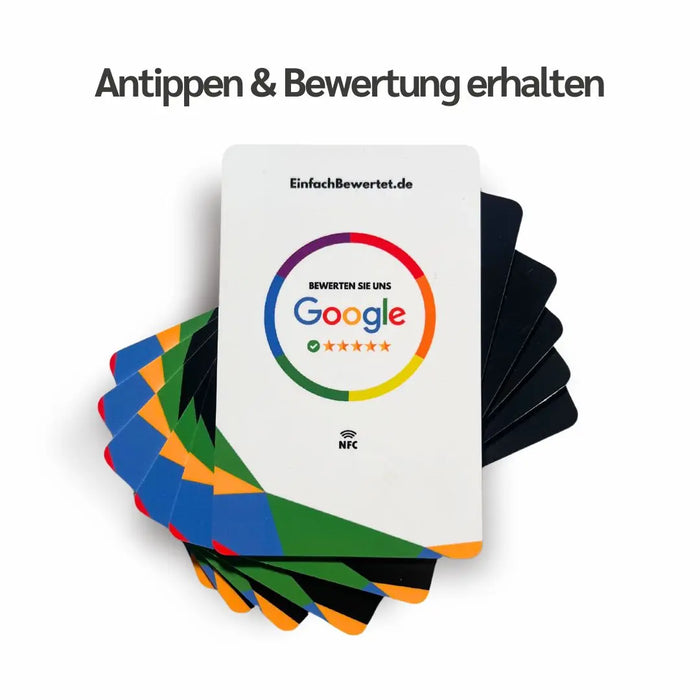
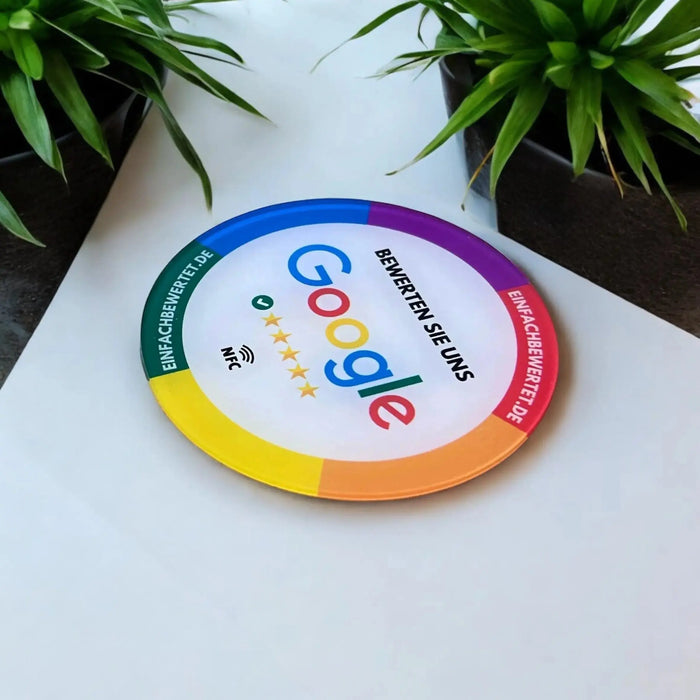
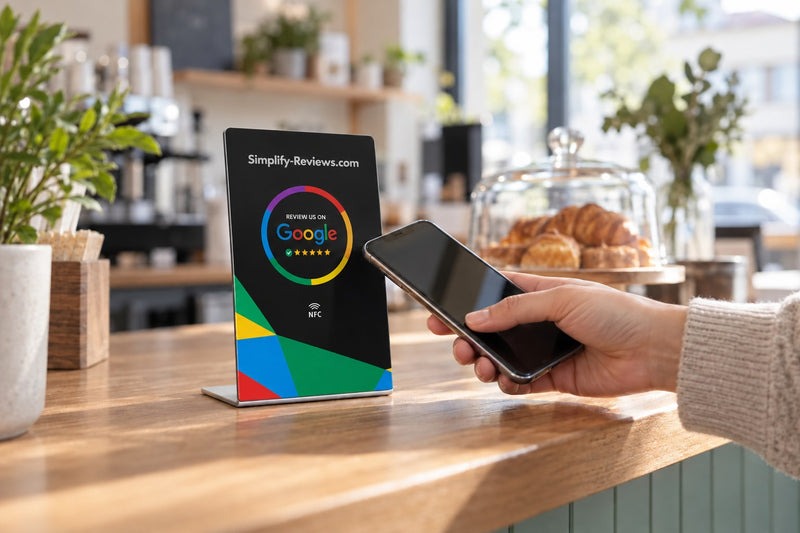
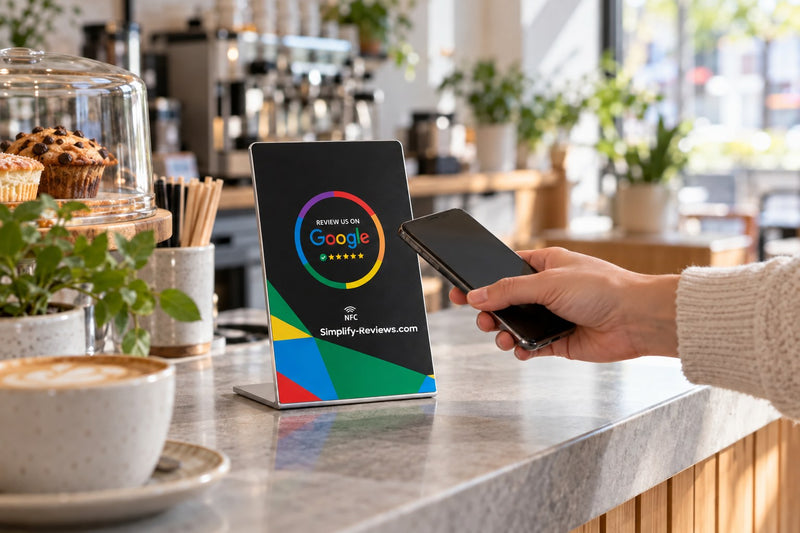
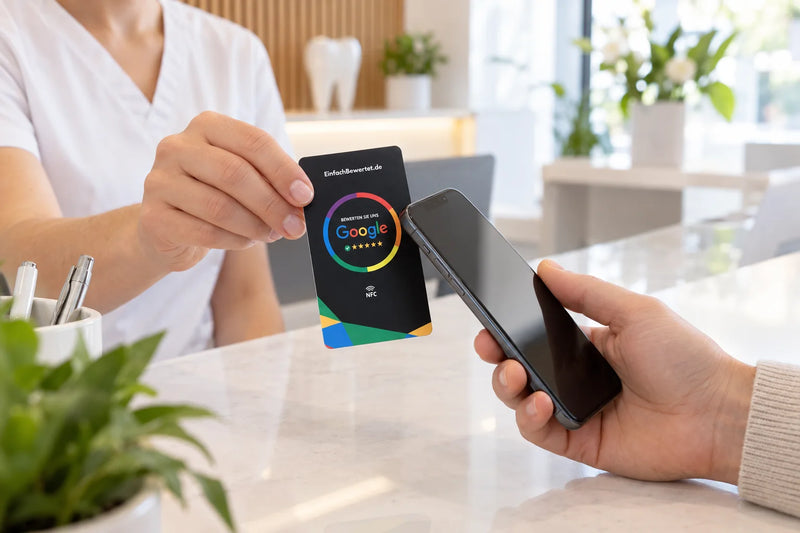
For everyday use, a combination of NFC and QR code is practical: NFC works with virtually all current iPhones and Android smartphones; the QR code remains the fallback for older devices or disabled NFC. A Google review display with NFC is suitable for the table, counter or reception area, while a Google review card with NFC works well in a bill folder, take-away bag or service handover.
Where should restaurants place NFC, QR codes and review links?
Place review access where guests are already experiencing a positive closing moment: with the bill, at the farewell, during pick-up, at hotel restaurant checkout or after a successful reservation.
In a restaurant, context matters. A QR code on the back of the menu is often overlooked. An overly large display in the middle of the table can be disruptive. A discreet, well-worded NFC display near the bill usually feels more natural.
Proven placements:
- Bill folder: the guest has paid and the visit is complete.
- Counter in cafés and snack bars: ideal for regulars and take-away.
- Exit or cloakroom: visible when leaving, without service pressure.
- Reservation confirmation or thank-you email: good for restaurants with online booking.
- Receipt: works if the note is short; more on this in the article about the review link on receipts.
- Email signature: permanent, unobtrusive and especially useful for catering, events and group reservations; for this, there is a Google review link for email signatures.
Important: access to the review should be voluntary. Phrases such as “If you’d like to review your visit, you’ll find the direct link here” are better than “Please give us 5 stars now”. The latter would be problematic in both content and legal terms.
When and how should the service team ask guests for a review?
The team should not pressure guests into an immediate review, but should neutrally point out the option and make it possible to review voluntarily, honestly and at a later time too.
This is an important distinction. Google allows businesses to ask for genuine experiences without incentives and without influence. At the same time, Google prohibits, among other things, preventing negative reviews, specifically asking for positive reviews or putting users under pressure. The policies also state that merchants may not request specific content and may not require employees to collect a certain number of reviews or particular review content.
Good phrases for service staff:
- “If you’d like to review your visit later, you’ll find the direct link on the bill.”
- “Your honest feedback helps other guests decide.”
- “The display has a QR code and NFC link — completely voluntary, if you’d like to use it.”
- “Thank you for visiting. You’re welcome to leave feedback via the link on the card.”
What you should avoid:
- “Could you please give us 5 stars?”
- “If everything was good, please review us here.”
- “Just show us the review and you’ll get an espresso.”
- “We still need three reviews today.”
The last point in particular can be tempting in restaurants, but it is risky. It’s better to work with process routines instead of review quotas: Are cards included with the bill? Is the display clean? Is the QR code readable? Is the shift lead responding to new reviews?
What is allowed — and what is prohibited with Google reviews?
It is permitted to neutrally ask for genuine reviews from guests with an actual experience; incentives, purchased reviews, fake content, pressure and review gating are prohibited.
Review gating means that only satisfied guests are directed to the public Google review, while dissatisfied guests end up in a private feedback form. Restaurants should not use this. Google prohibits preventing negative reviews or specifically asking customers for positive reviews. In Germany, competition law is also relevant, because manipulated or non-transparent reviews can be misleading. Section 5b (3) of the German Unfair Competition Act (UWG) requires information to be provided for accessible consumer reviews on whether and how it is ensured that they come from genuine users.
In short:
| Measure | Assessment |
|---|---|
| Direct link or QR code for all guests | generally useful |
| NFC display with a neutral note | useful if voluntary and without pressure |
| Discount, dessert, drink or prize draw for a review | do not use |
| Only directing satisfied guests to Google | do not use |
| Buying reviews | do not use |
| Asking guests for “5 stars” | do not use |
| Responding objectively to all reviews | useful |
We explain more about the risk in the article Review gating is prohibited in Germany.
How do Google reviews improve your restaurant’s local ranking?
Google reviews can support local ranking because they contribute to a business’s prominence; however, relevance, distance and the completeness of your profile remain important too.
For restaurants, this means reviews alone will not solve a visibility problem if opening hours are wrong, the category is inaccurate or menus are missing. Google recommends keeping business information complete and up to date, including address, opening hours and type of business. Google also emphasises that a better local ranking cannot be requested in exchange for payment.
Practical ranking levers for restaurants:
- Check category and attributes: restaurant type, service options, accessibility, reservations.
- Upload current photos: exterior view, food, interior, seasonal dishes.
- Collect reviews continuously: regularly is better than in unnatural bursts.
- Respond to reviews: briefly, personally and without private guest data.
- Keep your website up to date: menu, opening hours, reservations, location.
- Consistent data across the web: name, address and phone number on all profiles.
A realistic goal is not “rank number 1 in 30 days”, but a robust review profile: more genuine reviews, current content, recurring positive themes and professional responses to criticism.
Why do new reviews not appear immediately or disappear?
Reviews may appear with a delay, be filtered or be removed if Google reviews them, suspects spam or detects policy violations.
Google states that in some cases reviews are checked and are only visible after a few days. Reasons for missing or delayed reviews can include policy violations, spam filters, merged Business Profiles or technical problems on older smartphones.
In addition, the visible average rating can lag behind: according to Google, it can take up to 2 weeks for a new review to be reflected in the average rating.
Typical restaurant cases:
- Several guests review at the same time using the same Wi-Fi.
- Many new reviews are created in a short period after a promotion.
- Guests write very short, duplicate or promotional texts.
- A review contains insulting language, private data or irrelevant content.
- Google detects unusual patterns and checks automatically.
For this reason, don’t ask guests to review directly in front of you at the table. Give them the link, use voluntary wording and let guests decide for themselves whether and when they write.
How should restaurants handle negative Google reviews correctly?
Respond quickly, objectively and with a focus on solutions; you can only have reviews removed if they violate Google policies or applicable law.
Not every bad review can be deleted. Google explicitly states that negative reviews are not always a sign of poor business practices and that Google does not mediate disputes between businesses and customers. Reviews that violate policies can be reported — for example spam, fake content, insults, personal data or off-topic content. According to Google, the review process usually takes several days; if rejected, a one-time appeal is possible.
A good response structure:
- Say thank you: “Thank you for your feedback.”
- Take the issue seriously: “We’re sorry your visit did not meet your expectations.”
- Do not mention private details: no reservation data, bill details or names.
- Offer clarification: “Please contact us at … so we can look into the case.”
- Review internally: kitchen, service, waiting time, reservation, cleanliness.
If you want to check whether a review can be reported, structured documentation helps. For this, there is a PDF guide to deleting unjustified Google reviews.
What weekly routine helps restaurants get more reviews over the long term?
A simple weekly routine of profile maintenance, review access, neutral guest information and a response process brings more than one-off review campaigns.

Set aside 20 to 30 minutes per week for this. The routine could look like this:
Monday: Check and respond to new reviews. Tuesday: Update photos or menu changes in the profile. Wednesday: Check NFC displays, cards and QR codes in the dining area. Thursday: Briefly remind the team of the neutral wording. Friday to Sunday: No special promotion — just the normal process at the bill, counter and exit. End of the month: Evaluate recurring themes from reviews: praise, complaints, waiting times, dishes, service.
A set of templates is worthwhile for responses, but they should always be adapted. Standard replies feel impersonal, especially when dealing with criticism. You’ll find practical wording in our review response templates.
Our view
We see the same pattern again and again with restaurants: the issue is rarely a lack of satisfied guests, but a lack of a simple, clean process. Many guests would leave a review if the route is short and the prompt comes at the right moment. At the same time, it becomes risky when businesses treat reviews like a sales promotion: “5 stars for dessert”, review targets per shift or sending only satisfied guests to the link. That can look good in the short term, but it is neither stable nor compliant with the rules.
For restaurants, a calm approach works better: keep the profile complete, set up the review link cleanly, place NFC and QR codes visibly but unobtrusively, train the service team to communicate neutrally and respond professionally to every review. Consistency is particularly important. Ten genuine reviews over several weeks feel more natural and helpful than a sudden block after a campaign.
Our practical recommendation: start with one location, one display at the bill or counter and one sentence for the team. Measure not only new reviews, but also response time, the recency of photos and recurring points of criticism. This turns review management into part of restaurant operations — not a separate marketing campaign.
— Simplify Reviews Team
How we help
We help restaurants make the on-site review journey as simple as possible: with NFC displays, cards and QR codes as a fallback, with logo and matching design for tables, counters or bill folders on request. For hospitality businesses, chains and franchises, we bundle suitable solutions in the NFC products for restaurants & franchises category. If you want to test first, start with one location and a clear process; for multiple branches, consistent templates and location links are important. If you’re unsure about placement, product choice or workflow, you can use a free consultation.
Frequently asked questions
How can I get Google reviews for my restaurant?
Create or claim your Google Business Profile, generate the direct review link and place it via QR code or NFC at sensible contact points. The important thing is that all guests can review voluntarily and neutrally — not just satisfied guests.
Can I give guests in Germany a discount for a Google review?
No, you should not do that. Google prohibits incentives such as payments, discounts, free products or services for reviews; manipulated reviews can also be risky under competition law.
How long does it take until you can see a Google review?
Some reviews appear quickly, while others are checked and only become visible after a few days. According to Google, the average rating can take up to 2 weeks to include a new review.
Why can reviews no longer be seen?
Common reasons include Google’s spam and policy checks, delayed publication, merged profiles or removed content. If genuine reviews are missing, first check Google Help, possible policy violations and the support route for missing reviews.
What does it cost to delete bad Google reviews?
Reporting a review via Google’s tool is possible without a service provider; however, Google only removes reviews that violate its policies. External costs only arise if you hire service providers or lawyers; the amount depends on the individual case and should be legally reviewed.
Sources
- Google: Create a link or QR code to request reviews
- Google: Prohibited and restricted content for Maps user contributions
- Google: Improve your ranking in local search results
- Google: Add or claim your Business Profile
- Google: Verify your business on Google
- Google: Understand reviews of local places and businesses
- Google: Report inappropriate reviews on your Business Profile
- Google: Missing or delayed reviews
- German Federal Ministry of Justice: German Unfair Competition Act
- BrightLocal: Local Consumer Review Survey 2026
Read more
Title image: illustrative image (AI-generated)