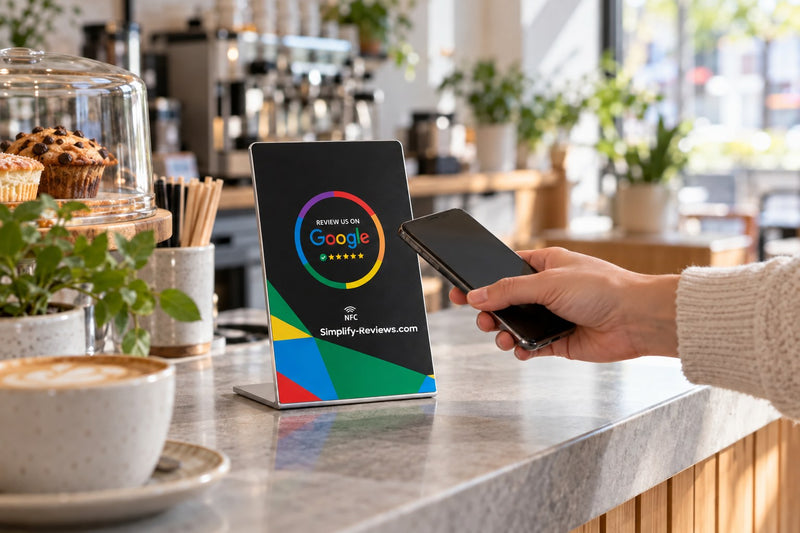
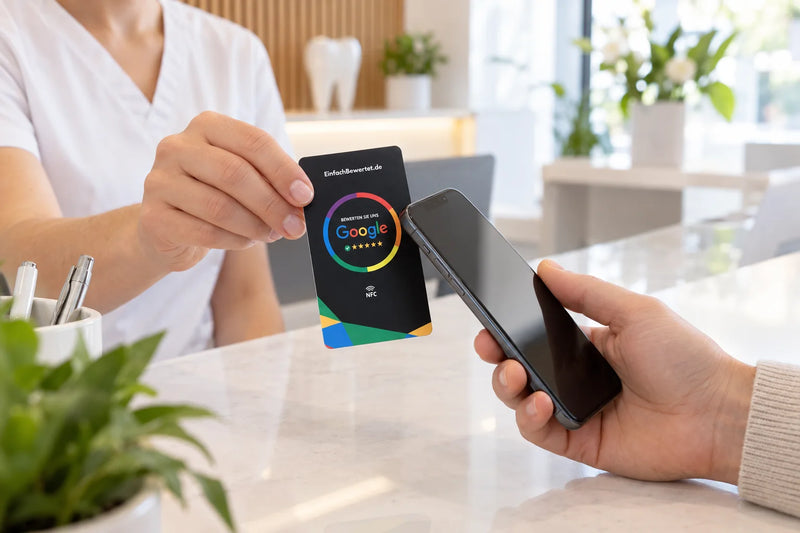
One Tap: In-Store Review Station for Business Owners
A practical guide for shop owners: set up a pre-programmed, GDPR-compliant review station in just a few days and get more Google reviews.

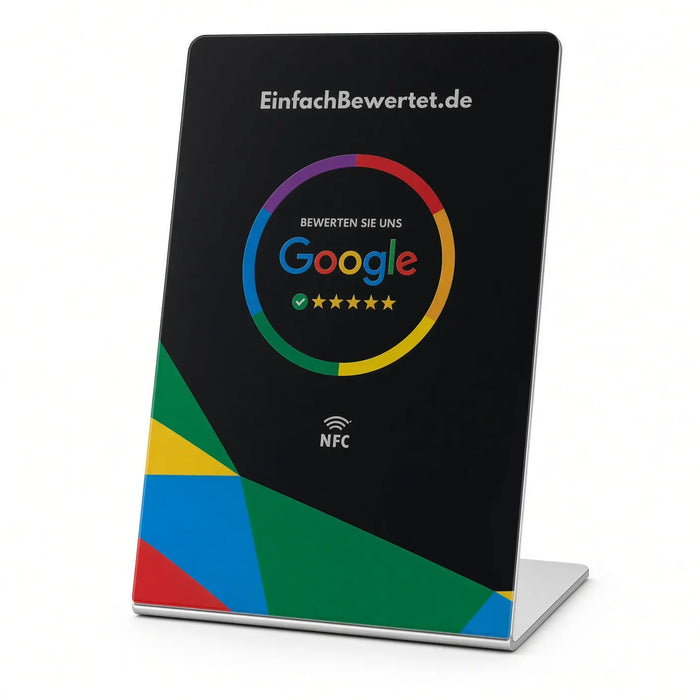
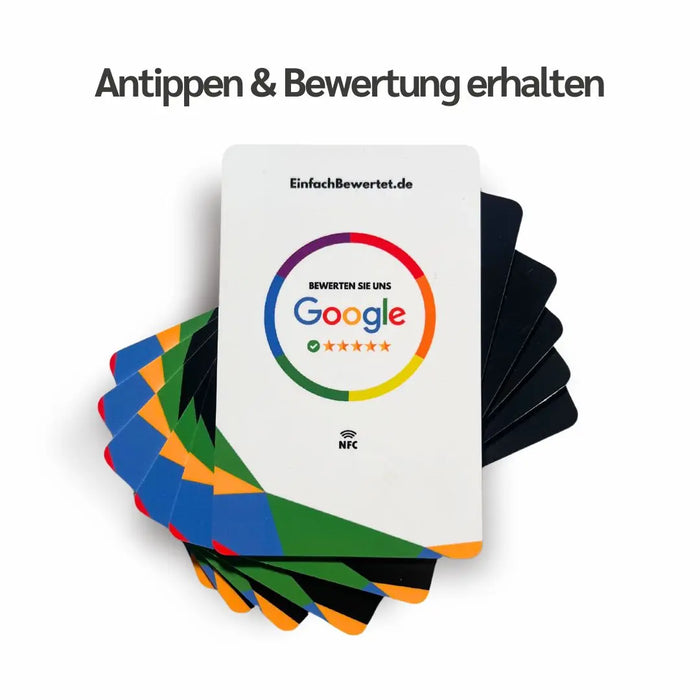
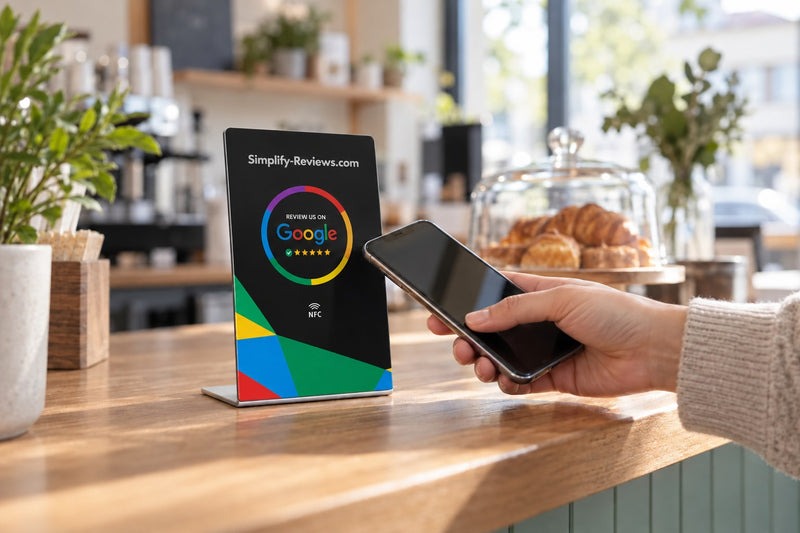
An in-store review station is a card, stand or sticker with an NFC chip that customers tap with their smartphone. Instead of typing in a URL or scanning a QR code, the Google review form opens immediately, with no detour. That one click fewer often makes the difference between a happy customer actually leaving a review or forgetting to do it. Used correctly and operated in line with data protection requirements, it becomes a reliable, ongoing channel for new Google reviews.
In short:
- NFC review stations let customers open the review form quickly and in a GDPR-compliant way with a simple tap, which significantly increases the response rate.
- Compared with QR codes, NFC tags do not require a camera scan and work almost instantly on most modern smartphones, especially at the point of sale.
- Make sure the stored link can be changed later, for example after a relocation. With Simplify Reviews, this is possible; just send us a quick message.
- Pre-programmed solutions avoid common errors such as an incorrect URL and are ready to use immediately with no setup effort.
- Setup involves checking, placing and testing the links, with the best time to ask for a review being directly after payment or service completion.
Table of contents
- What is an NFC review station and how does it beat QR codes?
- What hardware and software does a review station need?
- How do you set up an in-store review station step by step?
- What rules apply to wording, Google guidelines and data protection?
- How do you measure the success of your review station?
- What makes Simplify Reviews a practical provider?
- Ordering an in-store review station: your next steps
- Why the review station is often underestimated
- Sources
- FAQ
What is an NFC review station and how does it beat QR codes?
NFC stands for near-field communication. A tiny chip in the card or stand automatically sends a link to the smartphone when tapped, with no app and no camera required. With a QR code, the customer first has to open the camera, scan the code and often tap another link to open it in the browser. Every additional step costs motivation, and motivation for customer reviews is already in short supply.
NFC stands noticeably reduce this friction because they take customers directly to the review page without detours. Compared with various methods of asking for reviews, NFC sits in the mid to upper range for response rates and is especially well suited for use right at the point of sale.
One advantage many people underestimate: NFC tags do not store any personal data themselves. They simply redirect to a public Google page, which makes them straightforward from a data protection perspective.
- NFC: one tap, no scanning, works with almost all modern smartphones
- QR code: requires the camera app and an additional click, but can be printed at no extra cost
- Email or SMS: useful if the customer is meant to review later at home, but with a much lower response rate directly on site
QR codes are still useful, for example on invoices or receipts where there is no room for a stand. At fixed touchpoints such as the counter, reception desk or checkout, NFC plays to its strengths.
What hardware and software does a review station need?
The choice of physical component depends on where customers make their decision. A restaurant often places a small card on the table, a hair salon uses a stand at reception, and a trade business might place a sticker on the invoice folder. The material matters less than visibility at the moment of satisfaction.
A second, often underestimated difference lies in the programming: static links cannot be changed after printing, while dynamic links can. If Google changes the structure of the review page or the business relocates, a dynamic link can be adjusted in the background without the card having to be reprinted. With Simplify Reviews, the link can also be changed afterwards; we’ll be happy to help you with that.
| Component | Typical location | Most important criterion |
|---|---|---|
| NFC card | Counter, table, reception | Easy-to-handle size, durability |
| Stand | Checkout, waiting area | Visibility from a distance |
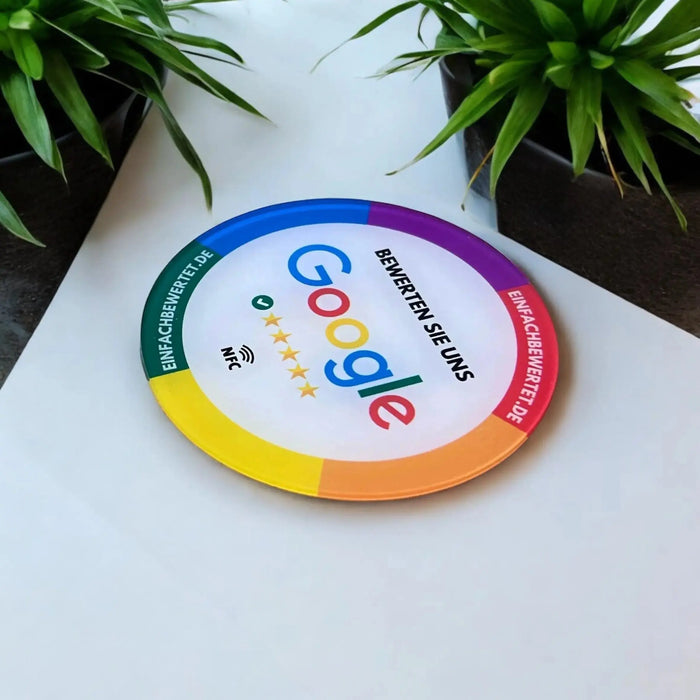
| Phone sticker | Given to staff, mobile services | Flexibility, low cost |
- A Place ID link generated via your own Google Business Profile forms the technical basis of every station.
When it comes to costs, it is worth looking beyond the pure card price: is it a one-off purchase or are there ongoing subscription costs? Can the link be changed later? With Simplify Reviews, you pay once, and we’ll gladly adjust the link for you if needed.
How do you set up an in-store review station step by step?
Setup can be completed in just a few days if the order is right. If you skip or swap steps, you risk ending up with a link that goes nowhere or a card that nobody notices.
- Check your Google Business Profile. Make sure the name, address and category are correct, and use it to generate the official review link or Place ID.
- Program the tag or order it pre-programmed. DIY programming via an app is possible, but often leads to errors such as an incorrect URL or a link that does not land directly in the review window. A pre-programmed solution eliminates this source of error from the start.
- Decide on placement and signage. Checkout, exit or waiting area work best, combined with a short, friendly prompt from the team.
- Test on several devices. Check the link in a browser where you are not logged in, on Android and iOS, to make sure it really leads to the review page and not just to the general business page.
- Assign responsibility. One person on the team should check weekly that the station is still working and that new reviews are coming in.
Pro tip: Don’t wait until the end of the day to ask for a review. In our experience, the moment right after payment or after serving the final course is the most effective, because customer satisfaction is at its highest then.
If you program an NFC card correctly, you save yourself rework later. For businesses with multiple locations, it is also worth looking at use cases for different industries, as the ideal placement varies considerably depending on the business model.
What rules apply to wording, Google guidelines and data protection?
Google prohibits paying customers for reviews or offering discounts in exchange for a review. Review gating is also prohibited: this means deliberately filtering customers so that only satisfied customers are sent on to leave a public review, while dissatisfied customers are intercepted. A clean process that is the same for all customers is not only the legally safer option, it also protects you from long-term penalties by Google.
From a data protection perspective, an NFC station is low risk as long as the tag itself does not store any personal data and only redirects to the public Google page. A note at the checkout counter or on the card stating that the tap leads to Google creates additional transparency.
When it comes to wording, brevity matters: “How was your visit with us? One tap is all it takes to leave your review” feels more inviting than lengthy explanations. A fixed process for regularly asking for reviews has been shown by several providers to increase the number of recent, genuine reviews, strengthening visibility in local search results.
- No incentives, no rewards, no preferential treatment of positive reviews
- Clear, short wording instead of long justifications
- Reply to every review, positive or negative, within a few days
- Regularly review the process instead of setting it up once and then forgetting it
How do you measure the success of your review station?
Two numbers are enough to start with: the number of new reviews per month and the average star rating, both directly in your Google Business Profile. If hardly any new reviews come in despite a well-placed station, the problem is usually the wording of the request or the timing, not the technology.
A/B tests are especially useful for placement. A stand at the checkout often delivers different numbers than the same card at the end of the table, even in the same business. The design of the stand, large and eye-catching versus small and subtle, also noticeably changes the number of new reviews.
- Check new reviews in your Google Business Profile weekly
- Compare the number of reviews with the previous month on a monthly basis
- Check the distribution of reviews over the month instead of pushing only on individual days
- Assign clear responsibility within the team for reporting and fine-tuning
If you make these figures visible regularly, you will see more quickly which branch or location still has room for improvement.
What makes Simplify Reviews a practical provider?
Simplify Reviews supplies NFC products that are fully programmed for the relevant Google profile before shipping. This eliminates exactly the source of error that frequently occurs with DIY solutions: incorrect URLs or links that do not land directly in the review window. Cards, stands and stickers can also be customised with your own logo and individual colours, so the station visually fits your store instead of looking like a foreign object.
A money-back guarantee and free shipping lower the barrier to entry for businesses that want to try the concept first. If you want to implement the steps described in this article — creating the link, programming the tag and placing it correctly — Simplify Reviews has already taken care of the technical side, so you can focus on placement and the team process.
Ordering an in-store review station: your next steps
Besides programming it yourself via an app, there is an easier route for most local businesses: buy a product that is already fully set up for your own Google profile. That is exactly what Simplify Reviews offers.
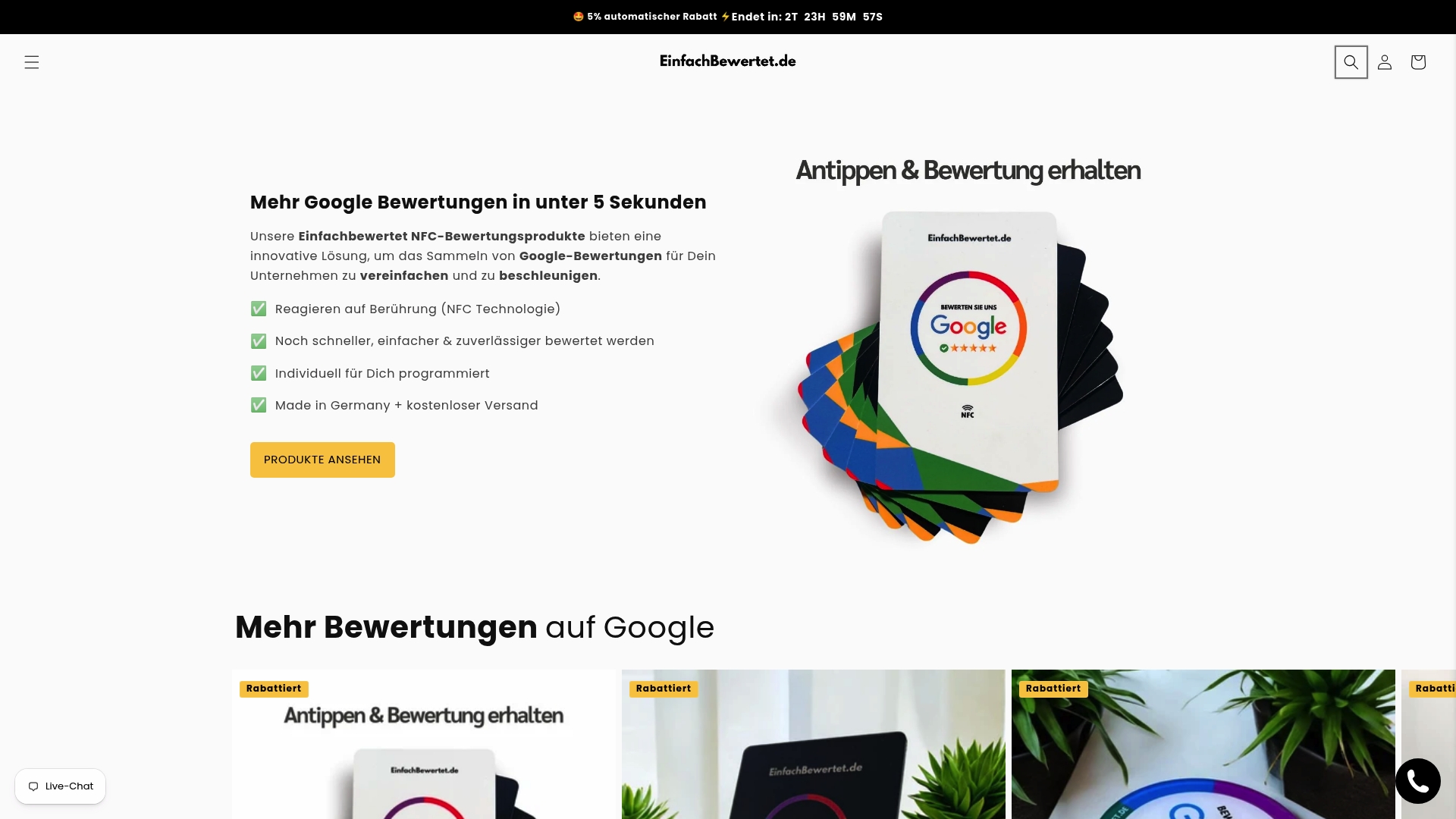
For the counter, the Google review topper with custom design is a good fit; for the checkout or waiting area, the Google review stand; and for mobile service providers or as a handout for staff, the NFC phone sticker. All products arrive pre-programmed, can be customised with your own logo and matching colour selection, and can be tested with little risk thanks to a money-back guarantee and free shipping. There is no ongoing fee; you pay once at the time of purchase.
If you are unsure which product best suits your store layout, you can use the contact form to get advice, or go directly to the custom design product page to get an initial preview of your own review station.
Why the review station is often underestimated
Most shop owners overestimate how willing customers are to make an effort to leave a review. A customer who leaves the store satisfied often forgets that satisfaction again by the time they reach the car park. That is exactly why an in-store review station works so well: it captures the moment before it disappears.
The widespread assumption that a QR code on the receipt is enough rarely holds up in practice. A code that the customer only notices at home, when the receipt is already in a drawer, is almost never scanned. Friction is stronger than motivation here, and NFC reduces exactly that friction to a single tap.
Another thing many people underestimate: review gating may make the average rating look better in the short term, but in the long term it damages credibility and violates Google’s guidelines. A clean process that is the same for all customers may occasionally produce a weaker review, but it feels authentic — and that is exactly what both Google and potential new customers recognise.
— Dario
Sources
For a deeper technical look, it is worth reading about creating the review link via Google, as well as Google reviews without your own account for special everyday cases.
FAQ
What exactly is an in-store review station?
An in-store review station is an NFC card, stand or sticker that takes customers straight to the Google review form with a single tap, without scanning or typing in an address.
Is NFC better than a QR code for reviews?
NFC reduces friction more because customers do not need to open the camera or make an extra click. QR codes are still useful on printed receipts or flyers where NFC is not technically possible.
Does a review station violate Google’s guidelines?
No, as long as no incentives are offered and customers are not selectively directed to leave a review. Review gating and paid reviews are expressly prohibited.
How much does a professional review station cost?
Costs vary depending on the product type and features. With Simplify Reviews, you pay once, with no subscription, and receive the product fully programmed.
Does an NFC review station store personal data?
No, an NFC tag simply redirects to a public Google page and does not store any of the customer’s personal data itself.