2–5 Google Reviews per Week with NFC and Templates for Store Owners
A practical guide for store owners: personal requests, QR/NFC links, templates and a clear workflow to help you generate 2–5 new Google reviews per week.
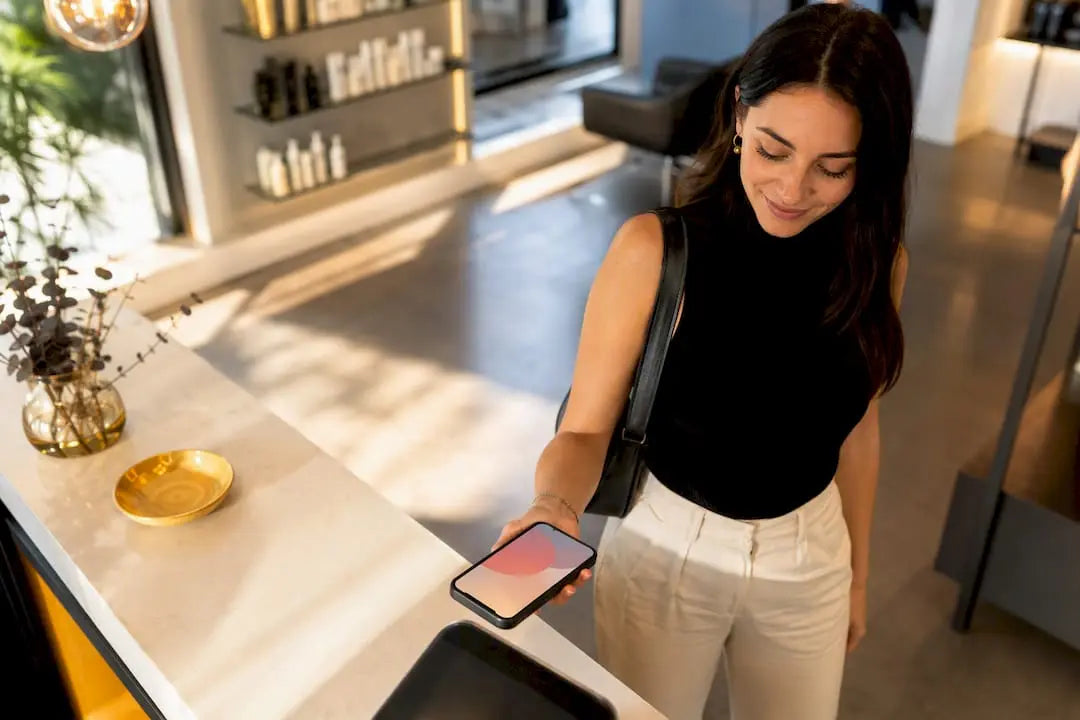
The three most effective methods are: asking in person at the moment of satisfaction, using a direct QR or NFC link to the review form, and sending a short follow-up by email or WhatsApp. If you combine these three levers consistently, you can realistically expect several new reviews per week.
In short:
- A consistent combination of personal requests, a review link and follow-up messages can generate several new reviews every week.
- A verified Google profile with a direct review link is essential for staying visible in the Local Pack and collecting reviews.
- Customers should be asked for a review directly after a positive experience, in person, via QR code or using NFC tags — ideally at the checkout or exit.
- Follow-up messages by email or WhatsApp are effective after 24 to 48 hours to reinforce the memory of the positive experience.
- Following the rules against incentives and responding clearly and personally to reviews builds long-term trust and helps protect your profile.
Table of Contents
- Why Google reviews influence visibility and sales
- Verify your Google Business Profile and create a review link
- How do you ask customers for a review in person?
- QR codes and NFC solutions: where should you place the review link?
- When and how should you follow up by WhatsApp or email?
- How should you respond to Google reviews?
- What is not allowed with Google reviews?
- Templates for asking for and replying to Google reviews
- Why standardised processes deliver more than one-off actions
- NFC products as a practical addition to your daily review request
- Official guidelines and further practical resources
- Sources
- FAQ
Why Google reviews influence visibility and sales
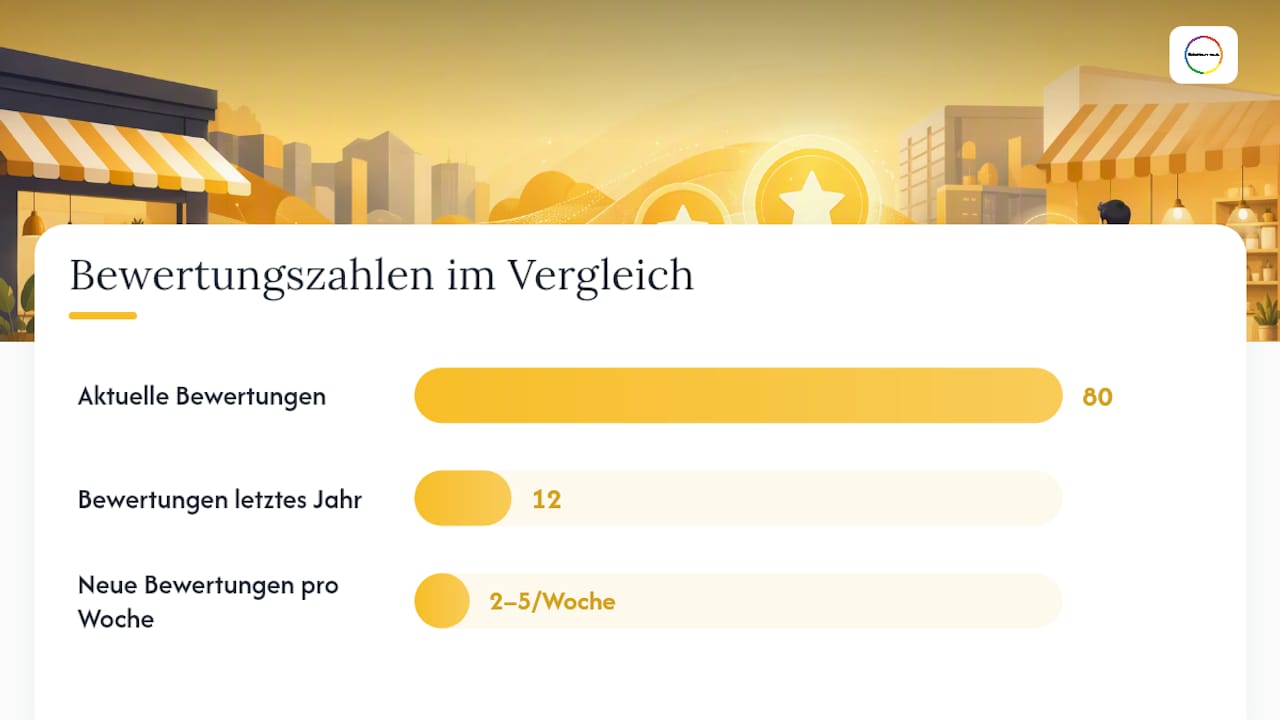
The number of reviews, the average rating and how recent the latest reviews are count among the strongest signals for local ranking on Google. A business with 80 recent reviews will almost always beat one with 12 reviews from last year in the Local Pack, even if the average rating is similar.
The effect goes beyond rankings. Reviews act like recommendations from strangers, and that is exactly what lowers the barrier for new customers to make first contact.
If you build the process consistently into your daily routine, practical reports from the review management field suggest you can expect two to five new reviews per week without coming across as pushy. That is enough to build a much higher review count within a quarter than most local competitors.
What matters here:
- The total number of reviews as a trust signal
- The average rating over the last twelve months
- How regularly new reviews come in
- How quickly and how the business responds to reviews
Verify your Google Business Profile and create a review link
Without a verified profile, your business will not reliably appear in the Local Pack, and the review link often will not work properly. Verification is therefore the first step, not an optional extra.
Here is how to proceed:
- Open your Google Business Profile and check whether the status shows “Verified”.
- Find the reviews section in your profile and display the direct link to the review form.
- Shorten this link, for example with a URL shortener, and save it in one central place so staff can find it quickly.
- Turn the link into a QR code and test it yourself on a smartphone before displaying it in your store.
The biggest hurdle is usually the Google login itself. Customers without an active Google account often abandon the process, so a quick note in advance is worthwhile: “You only need a Google account — no separate password for us.”
How do you ask customers for a review in person?
The best time is directly after a positive experience, not days later by chance. If a customer thanks you while paying or gives you a compliment, that is exactly the right moment to ask.
Three phrases your team can use straight away:
- “I’m glad you enjoyed it! Could we ask you for a quick Google review? It only takes a minute.”
- “If you were happy with your experience, a short review on Google would really help us. Here’s the link.”
- “Customers like you are our best advertising. A Google review would genuinely help us move forward.”
The most effective approach is to build the request firmly into existing workflows: at the checkout, as a printed note on the invoice, or when an order is collected. That way, the conversion rate does not depend on chance or on the mood of individual team members on the day.
Pro tip: *Train new staff with a short role-play, not just a checklist.
Success is easy to measure: count new reviews once a week and compare the number with the previous week.
QR codes and NFC solutions: where should you place the review link?
The link must always lead directly to the review form, never just to the general profile page. Every extra click costs you drop-offs, and those are exactly what you want to avoid.
Good on-site placements:
- On the invoice or receipt, clearly visible, not in the small print
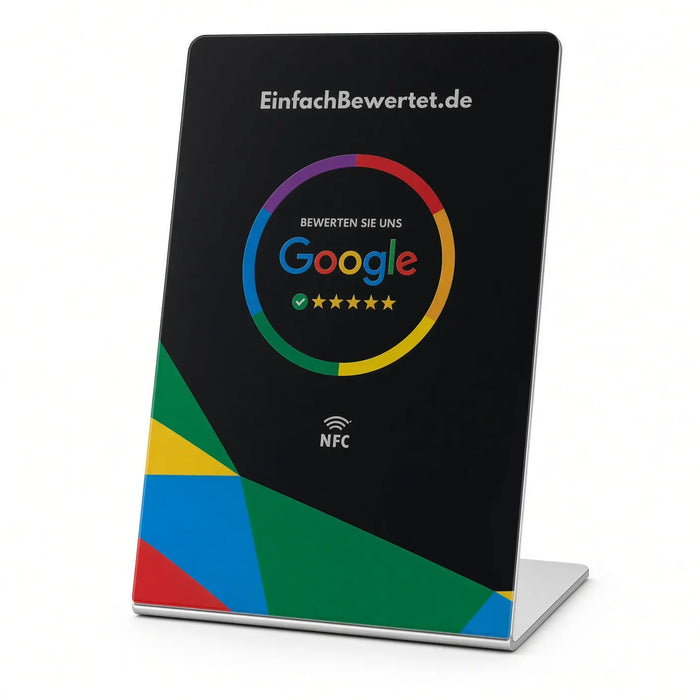
- On the table or counter as a small display stand
- At the exit, where the customer naturally pauses briefly
- Directly at the workstation of the team member saying goodbye to the customer
Design matters more than many people think: create contrast between the QR code and the background, add a short call to action above it, and avoid additional logos that distract.
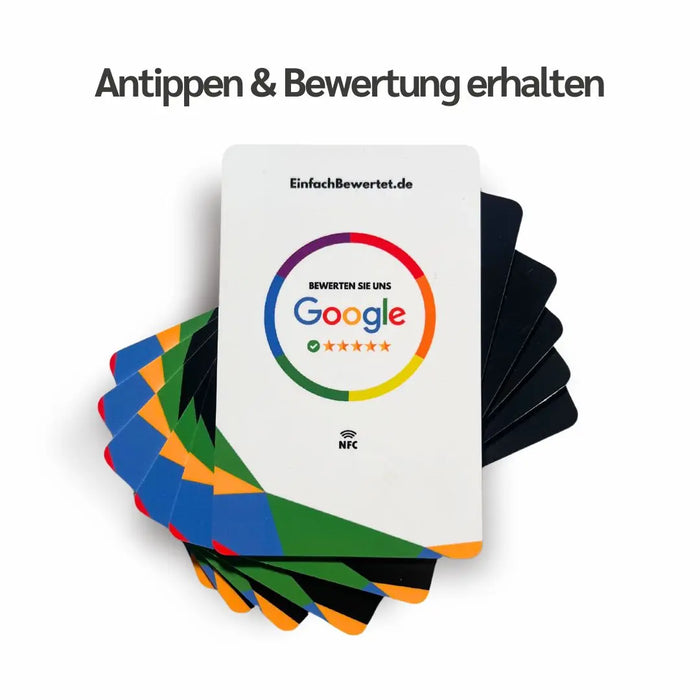
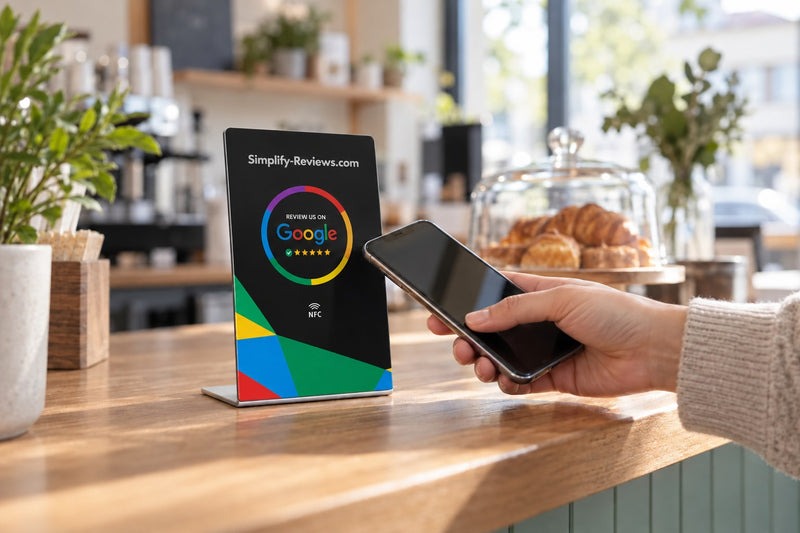
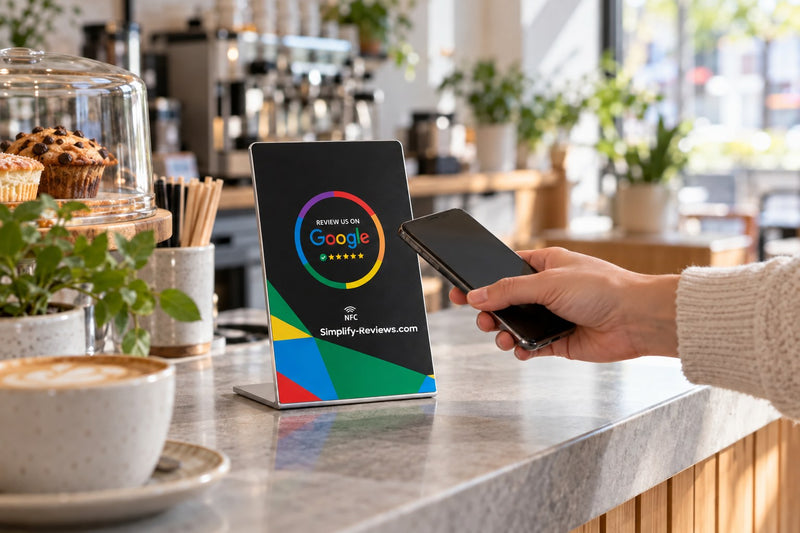
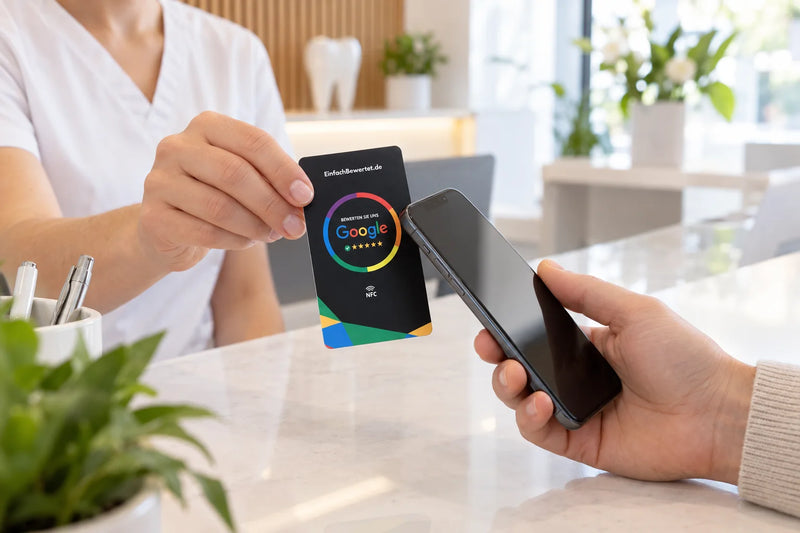
NFC products such as a review card with a programmed chip solve a problem that QR codes cannot: customers do not have to open the camera app first. A tap with their smartphone is enough, and the review form opens directly. Especially in noisy environments or when customers are reluctant to scan, this makes a noticeable difference to actual usage.
When and how should you follow up by WhatsApp or email?
The best timing for a follow-up is 24 to 48 hours after the purchase or appointment. Too early feels pushy; too late and the memory of the positive experience has already faded.
How to do it:
- Use email as your standard channel, as no explicit consent is needed for individual messages as long as the address comes from the business relationship.
- Only use WhatsApp if the customer has actively agreed to it, for example via a form or confirmation at the appointment.
- Keep it short and personal: “Hello Ms Meier, we hope you enjoyed your appointment with us. We’d really appreciate a quick review: [Link]”
- Send no more than one reminder, and never follow up repeatedly. That does more harm to the relationship than it helps your review count.
How should you respond to Google reviews?
A fixed response routine is just as much a part of your strategy as collecting reviews itself. If you respond within 24 to 48 hours, you show genuine appreciation, and experience suggests this also motivates other customers to leave a review.
Practical rules:
- Positive reviews: thank the customer briefly and personally, without generic canned phrases
- Neutral reviews: address the specific point mentioned and say what you will improve
- Negative reviews: stay objective, offer a solution and continue the conversation offline
Pro tip: Decide who in the team is responsible for replies. A changing tone looks unprofessional; a consistent style builds trust.
Reporting a review to Google is only worthwhile in clear cases of abuse: obvious spam, clearly fake reviews or insulting content with no connection to the actual experience.
What is not allowed with Google reviews?
Google expressly prohibits any form of incentive for reviews, no matter how small. If you ignore this, you risk more than just one deleted review.
Prohibited practices include:
- Vouchers, discounts or prize draws in return for a review
- Review gating, meaning deliberately filtering out unhappy customers before asking
- Buying reviews or asking employees to review your own business
Violations of the guidelines on user contributions may lead Google to remove individual reviews or restrict the entire Business Profile.
In addition to suspension by Google, organised incentive systems can also create competition law risks under the German Unfair Competition Act (UWG) if competitors or consumer protection organisations classify the practice as misleading advertising. The safer and more sustainable route is the honest one: ask, but don’t buy.
Templates for asking for and replying to Google reviews
Spoken phrases for the in-person moment:
- “Thank you for visiting us! If you were happy with your experience, we’d really appreciate a quick Google review.”
- “You’ve visited us a few times now, and we’re really pleased about that. A review on Google would help us enormously.”
- “One small request before you go: would you have a minute for a Google review?”
Short follow-up templates:
- Email: “Hello [Name], it was lovely to have you with us. We’d really appreciate a quick review: [Link]. Thank you and see you soon!”
- WhatsApp: “Hi [Name], thank you for visiting us! If you were happy with your experience, a quick Google review would really help us: [Link]”
Reply templates by tone:
- Positive: “Thank you very much for the great review! We look forward to seeing you again soon.”
- Neutral: “Thank you for your honest feedback. We take the point about [topic] seriously and are working on it.”
- Negative: “We’re sorry to read this. Please contact us directly at [contact] so we can resolve this.”
Why standardised processes deliver more than one-off actions
The strongest results do not come from an enthusiastic temporary staff member who happens to ask well, but from a fixed process step: who asks, with which sentence, using which tool. That reduces chance.
NFC solutions support the personal request at exactly the point where processes usually break down: the gap between intention and action. A chip that has been programmed once works the same way at every workstation, regardless of which team member is on duty. That makes technology an addition to the routine, not a replacement for it.
— Dario
NFC products as a practical addition to your daily review request
If you want to combine the personal request with a direct link without having to explain a QR code to every customer, NFC products are the most straightforward solution: one tap with a smartphone, no scanning, no searching for the camera app.
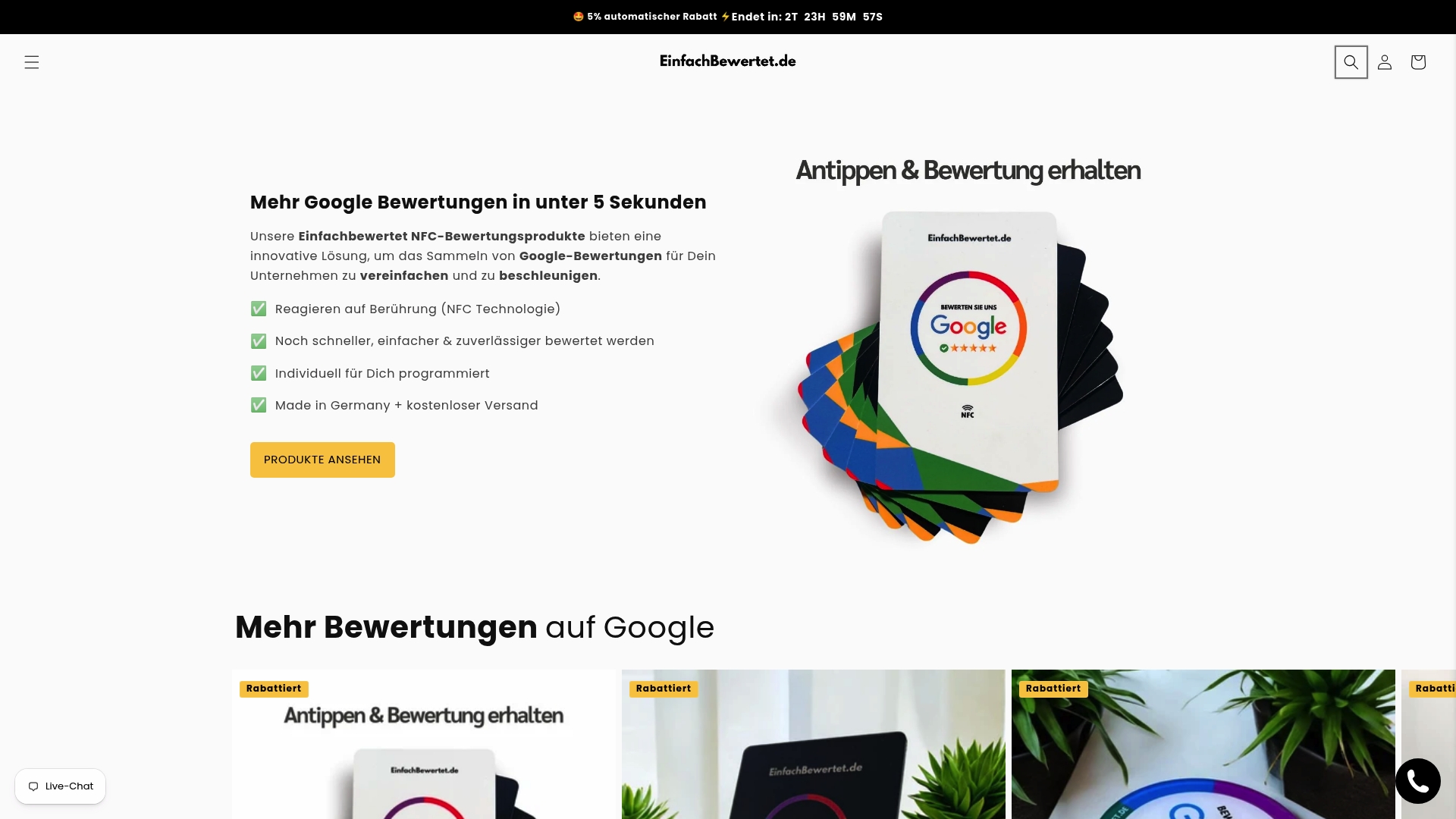
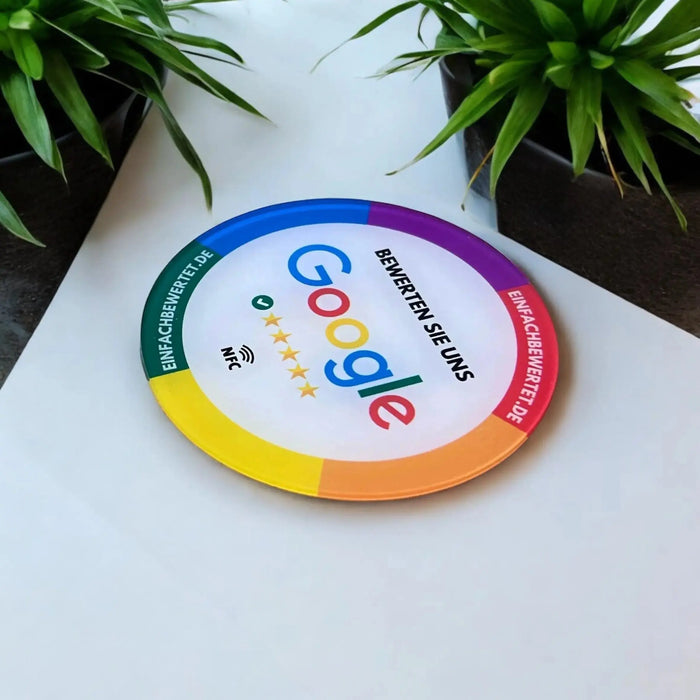
There are providers who individually program cards, display stands and phone stickers with your own logo and matching colour scheme. The Google review stand with an NFC chip is ideal for counters and tables, while a compact NFC phone sticker can be placed directly at the checkout or on the terminal. Both options are designed as a one-off payment, with no subscription or ongoing costs. Many also offer a money-back guarantee and free shipping, which can make the decision easier. If you want to take the next step: open the product page, choose the right format and have the chip individually programmed.
Official guidelines and further practical resources
- Google help page on reviews: official rules on incentives and replies
- Rabouz Studio: practical wording and workflows
- Qualtrics: additional feedback methods alongside Google
Sources
- Review tips for businesses – Google Business Profile Help
- Collect Google reviews without annoying customers | Rabouz Studio
- How to collect customer feedback | Qualtrics
FAQ
How do you move up in the Google Local Pack?
The key factors are a high number of reviews, a strong average rating and regular new, fresh reviews, combined with a fully completed and verified Business Profile.
What is the best way to deal with negative Google reviews?
Respond objectively and promptly, offer a solution and move the actual conversation offline wherever possible, for example by phone or email.
Which place has the most Google reviews?
There is no reliable way to state this, because review numbers change constantly by location and no dependable, up-to-date ranking exists.
Is there a template for good Google review requests?
Yes. A short, personal line such as “Thank you for visiting us. If you were happy with your experience, we’d really appreciate a quick review” works reliably in most industries.
Are QR codes or NFC cards the better choice for Google reviews?
NFC products like those from Simplify Reviews save customers the step of opening the camera app, because a simple tap with their smartphone is enough. In practice, this often leads to higher usage than a QR code alone.